9-6 Troubleshooting
S Particular value is too
high or low to be
measured.
• Check for other warnings, such as X, p, m, M, c, or C, and
troubleshoot those to resolve the S flag.
M, N WBC values are too
high.
• This can occur with inadequate Lyse (yellow bottle) delivery.
Make sure the Lyse tube (yellow) connects securely to the
Lyse bottle and the reagent port on the back of the analyzer
(if the connection is too loose, cut the bulge from the ends of
the tube and reattach), then prime the Lyse and rerun the
sample: from the Home screen, select Maintenance >
Reagent Status > Prime for Lyse.
• If the M flag persists, verify that the Lyse reagent tube is con-
nected to the correct port on the back of the analyzer and to
the correct bottle within the reagent pack. If bottles have
been swapped, remove the reagent tubes from the back of
the analyzer and hold the tubing up so all of the fluids drain
back into the bottles then attach the tubing correctly and
prime the tubes affected.
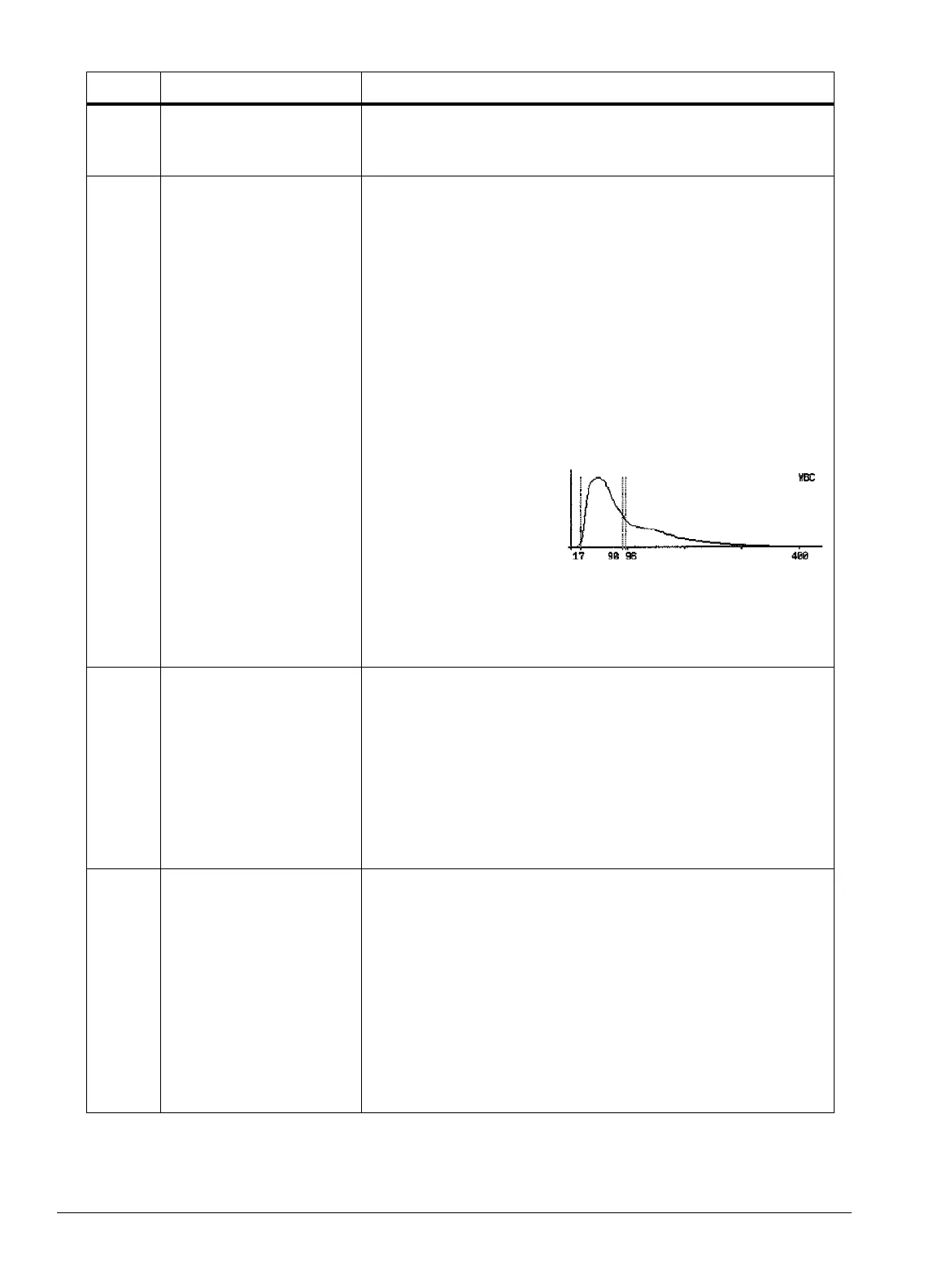
• The M flag can also
occur with legitimate
very high WBC
counts, as with leuke-
mias: see the figure at
right. Check the Lyse
delivery system, and if no problems exist, perform a manual
smear to verify the WBC count.
• If the M flag persists and the manual smear does not indicate
a high WBC count, call Abaxis Technical Support.
c, C,
q
Analyzer’s aperture is
clogged.
• Run 2-3 automatic self-cleanings (see “Automatic Self-
Cleaning” on page 6-8).
• Redraw a sample, making sure to transfer the sample into
the tube immediately and mix well, then rerun.
• If visible clots are seen in the original sample, perform a
Deep Cleaning. If no visible clots, run a Soak Cleaning and
rerun a new, well-mixed sample
• Verify the software version is 2.3 or higher.
• If the problem persists, call Abaxis Technical Support.
m • RBC and/or PLT mea-
surement exceeds the
linearity limit.
• A very dirty analyzer,
contaminated reagent
pack, or severely
dehydrated patient.
• Make sure the sample is properly mixed, to prevent settling.
• Visually inspect the Wash Head. If very dirty, remove and
clean the Wash Head (see “Removing and Cleaning the
Wash Head” on page 9-15), then rerun the sample.
• If sample is hemolyzed, redraw and rerun.
• Perform Soak Cleaning. If the warning persists, repeat the
Soak Cleaning.
• If the patient is severely dehydrated and fluid administration
is indicated, discard the run and redraw after fluids have
been absorbed.
• If the m flag persists, call Abaxis Technical Support.
Flag Meaning Description / Recommended action



 To Next Page