9-10 Troubleshooting
c. Check all tubing visible from the side door for clots, and remove and flush any tubing
that has visible clots.
d. Make sure all internal tubing is properly connected to the
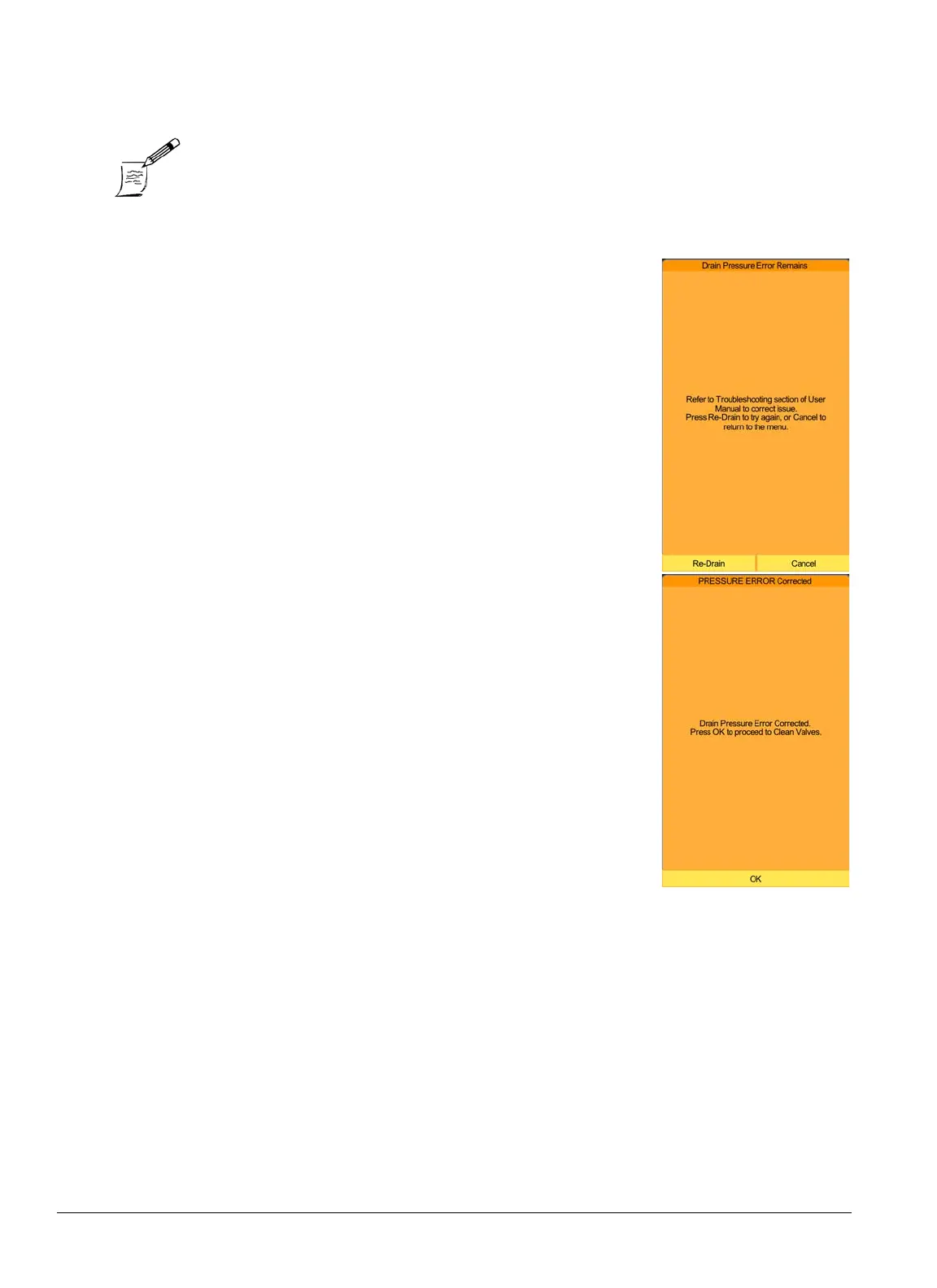
correct ports, and no loose tubing ends are visible. Press Re-
Drain
.
5. If the problem is not yet resolved, check whether the peristaltic
pump tube has been overly flattened or is sticking to itself: see
“Peristaltic Pump Tubing Replacement” on page 6-13
.
6. Attempt to run a blank.
7. If the screen message indicates that the pressure error has resolved
AND the blockage was due to clots in the valves, perform Valve
Cleaning (only in software v2.3 and higher). The Valve Cleaning
cycle will take about 20 minutes. Otherwise, select
Cancel
.
8. If the pressure error still persists, contact Abaxis Technical Sup-
port.
Note: If any visible clot is found, after the warning is resolved, it is
advisable to draw a fresh sample from the last patient.



 To Next Page