28
6. Managing the Keypad
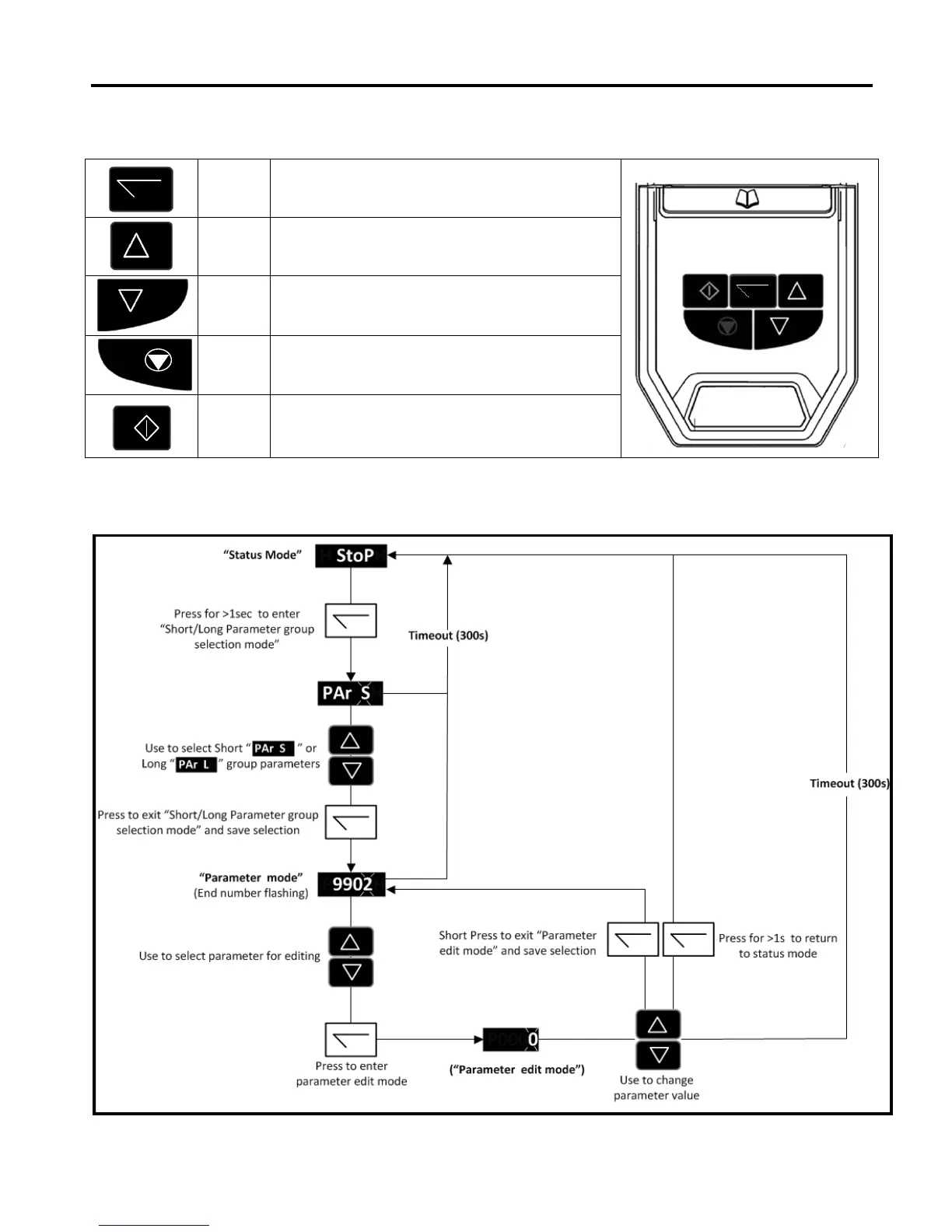
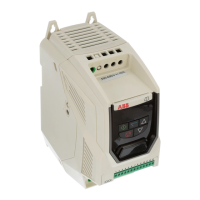
The drive is configured and its operation monitored via the keypad and display.
6.1. Keypad Layout and Function
Used to display real-time information, to access and exit
parameter edit mode and to store parameter changes (press
for >1 second to toggle between status and parameter mode)
Used to increase speed in real-time mode or to increase
parameter values in parameter edit mode
Used to decrease speed in real-time mode or to decrease
parameter values in parameter edit mode
Used to reset a tripped drive.
When in Keypad mode is used to Stop a running drive.
When in keypad mode, used to Start a stopped drive or to
reverse the direction of rotation if bi-directional keypad mode
is enabled.


 To Next Page