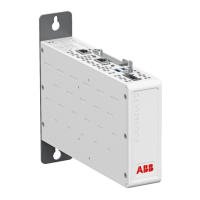
GUID-CCA1FABA-FF13-4586-9C0A-4A05111345BD V1 EN
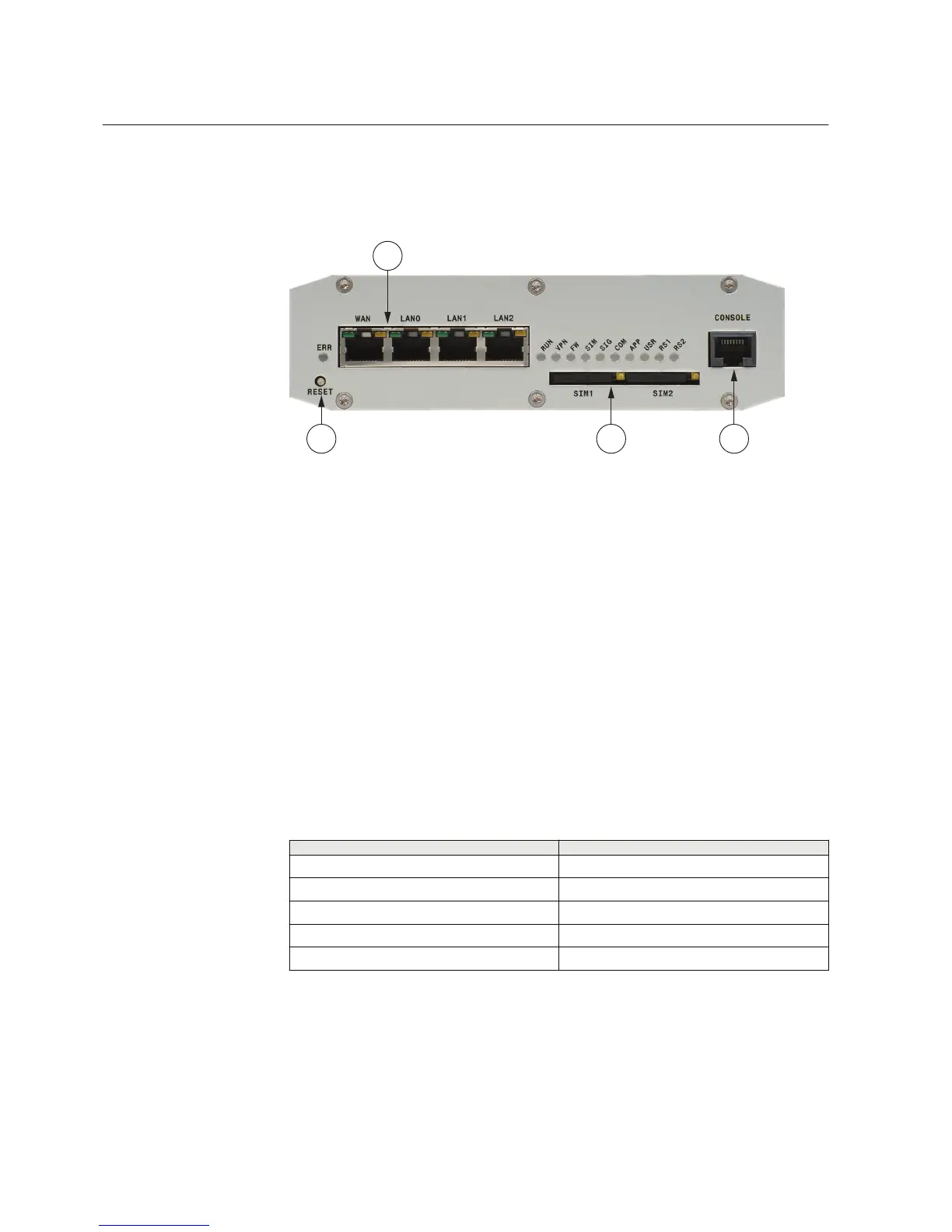
Figure 1: Front panel
1 LAN/WAN ports
2 Reset button
3 SIM card slots
4 Console/serial port
Ethernet connector
The device has an RJ-45 connector for 10/100 Mbps Ethernet connection. The
maximum length of the Ethernet cable is 100 m.
Ethernet WAN
The device has one physical port for Ethernet WAN.
Table 1: Ethernet WAN specifications
Description
Value
Number of ports 1
Speed 10Base-T, 100Base-TX
Duplex Half and Full
Autonegotiation Yes
Recommended cabling Cat5 or better
If the Ethernet WAN interface is directly connected to the computer, a crossover cable
must be used. The Ethernet WAN interface does not support automatic MDI/MDIX
detection.
Section 2 1MRS758460 B
ARG600 overview
8 ARG600 Dual SIM Variant
User Manual



 To Next Page