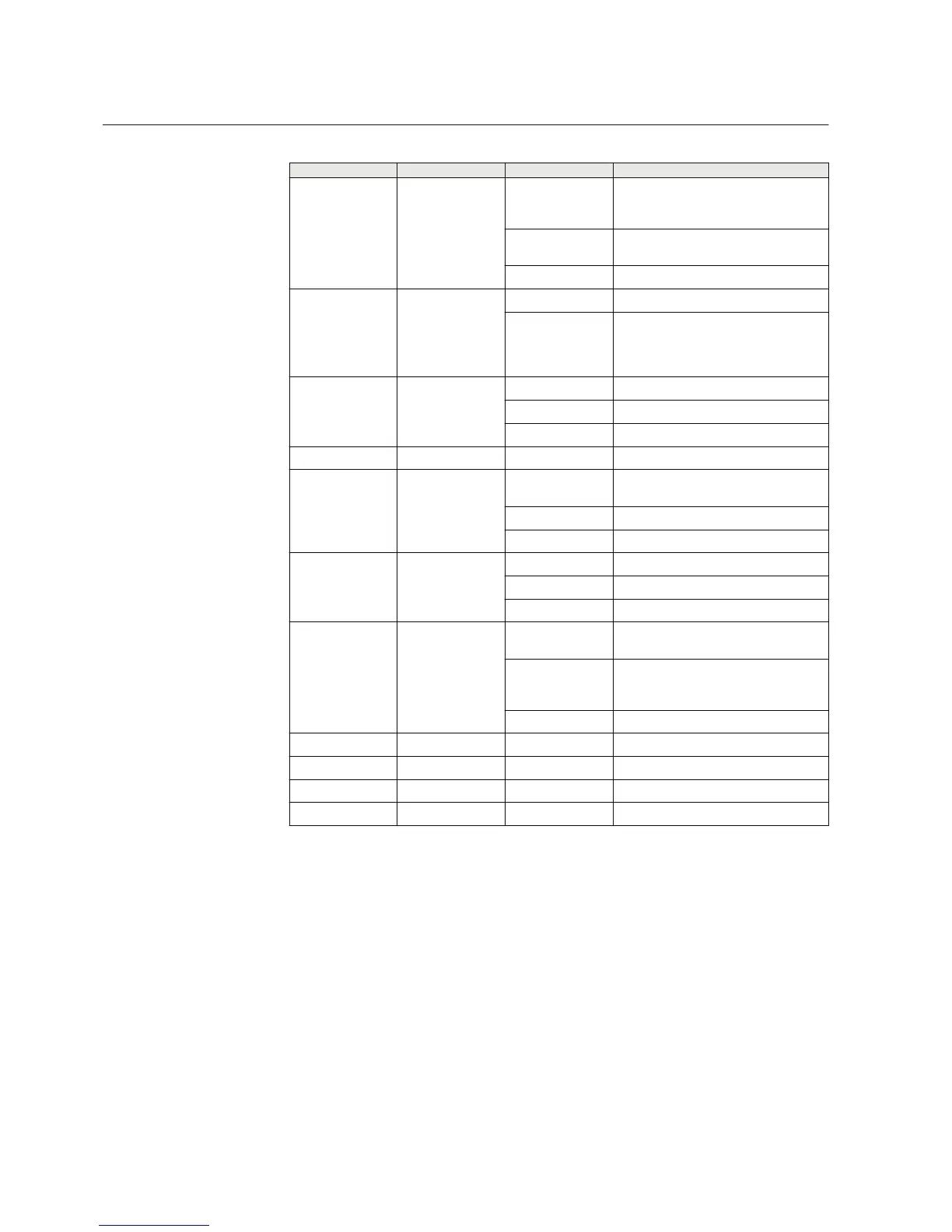
Table 3: Description of available LEDs
LED Label State Description
1 ERR On Unit is restarting. LED should be turned
off after restart (usually about 30
seconds)
Flashing
Error with power supply. Device
restarts constantly.
Off Device is operating normally
2 RUN Flashing Device is operating normally
Off If the unit is turned on and RUN LED is
not blinking, the system has an error
and is waiting for restart. The unit
should restart soon.
3
VPN On VPN connection is up
Flashing VPN connection is starting
Off VPN connection is disabled
4 FW - Reserved for future use
5 SIM On SIM card has been initialized and it is
ready for use
Flashing SIM card initialization is in progress
Off SIM card is not used
6 SIG On Signal level is normal or good
Flashing Signal level is weak
Off There is no signal
7 COM On Cellular network (Wireless WAN)
connection is up
Flashing Cellular connection is starting. If the
connection is not coming up, check the
SIM and SIG LEDs
Off
Cellular connection is stopped
8 APP - Reserved for future use
9 USR - Reserved for future use
10 RS1 - Reserved for future use
11 RS2 - Reserved for future use
Reset button
It is possible to restore the factory settings by pushing the reset button for
approximately 15 seconds and releasing the button, when all the status LEDs are
illuminated. Any previous configuration will be lost after the reset.
2.2.2 Back panel
The device has an antenna connector, a power supply connector, a power switch, DIP
switches and serial ports on the back panel.
Section 2 1MRS758460 B
ARG600 overview
10 ARG600 Dual SIM Variant
User Manual



 To Next Page