Setting up the Reader for the First Time
Before using the System for the rst time, the Reader must be set up.
Step Action
1
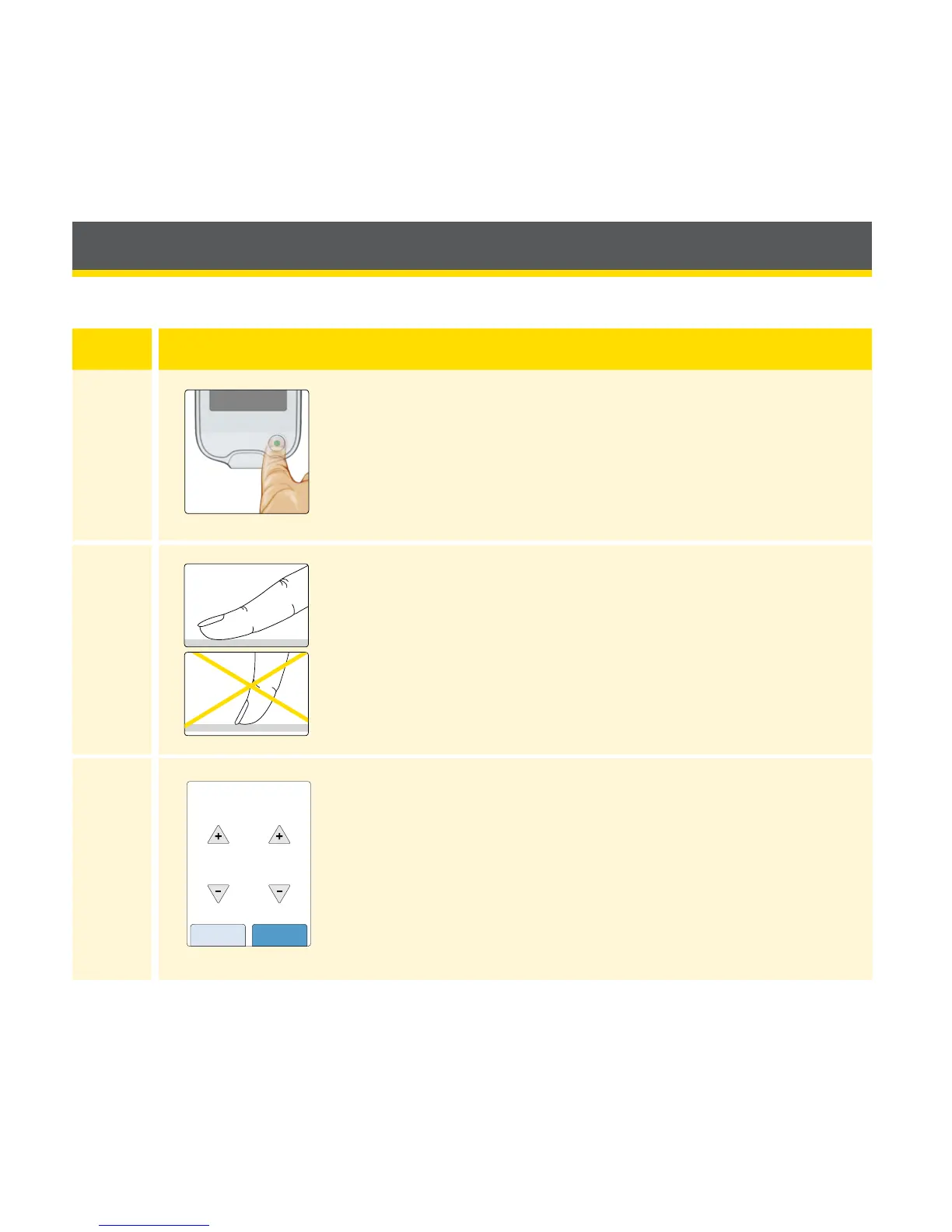
Press the Home Button to turn on the Reader.
2
If prompted, use the touchscreen to select your
preferred language for the Reader. Touch OK to
continue.
Note: Use the pad of your nger. Do NOT use
your ngernail or any other object on the screen.
3
Set the Current Date using the arrows on the
touchscreen. Touch next to continue.
11
back next
Current Date
June
2017
12















 To Next Page