Removing the Sensor
The Sensor automatically stops working and should be removed 14 days
after being started. You should also replace the Sensor if there is any
irritation or discomfort at the application site or if the Reader reports a
problem with the Sensor currently in use.
Step Action
1
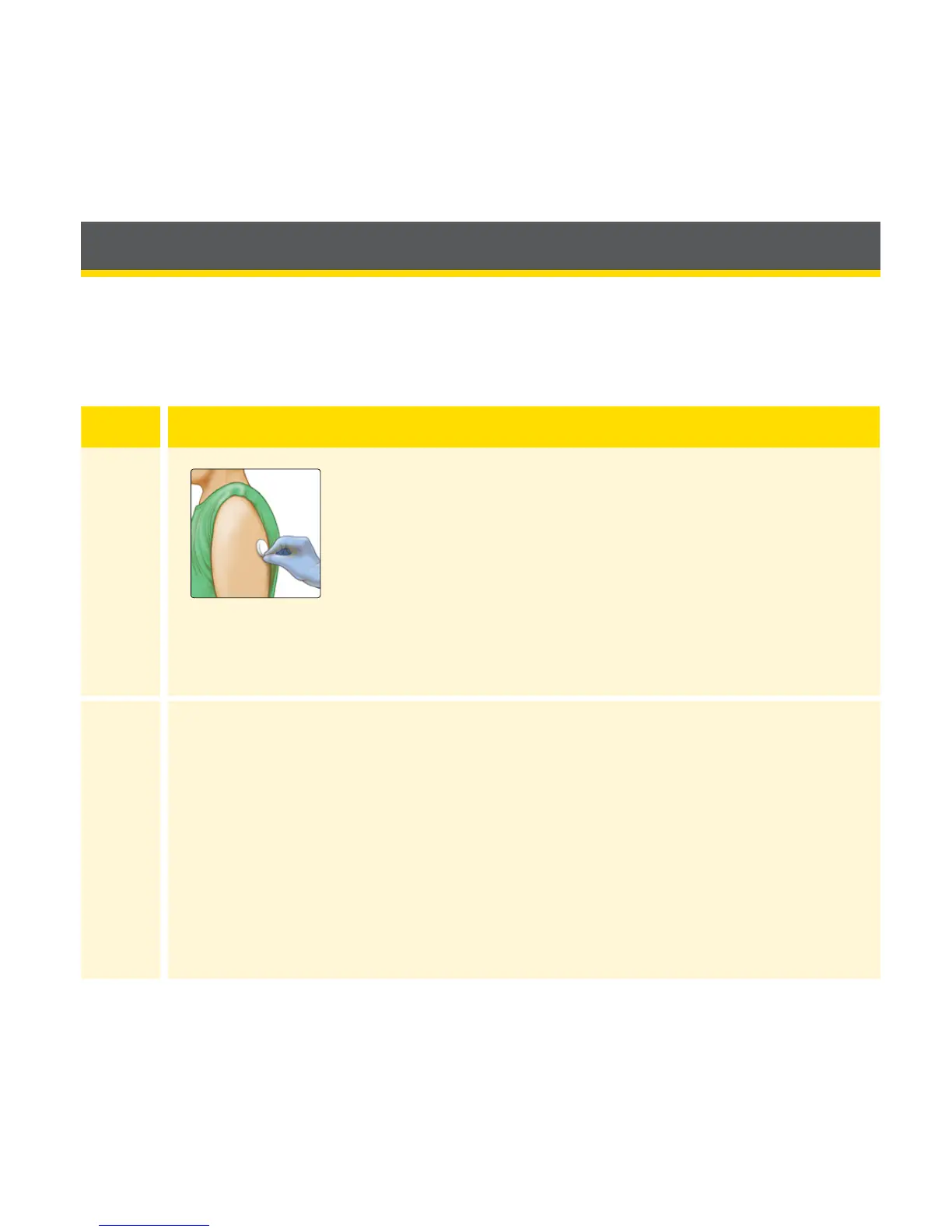
Pull up the edge of the adhesive that keeps the
Sensor attached to the skin. Slowly peel away
from the skin in one motion.
Note: Any remaining adhesive residue on the
skin can be removed with warm soapy water or
isopropyl alcohol.
2
Discard the used Sensor according to your facility’s procedures.
See Maintenance and Disposal section.
25















 To Next Page