22 ID NOW Instrument User Manual
4.4 Patient Details (Admin Access Only)
Home>Setup>Patient Details
Patient Details
Positive Patient ID
Always Prompt
Display Patient Info
OK
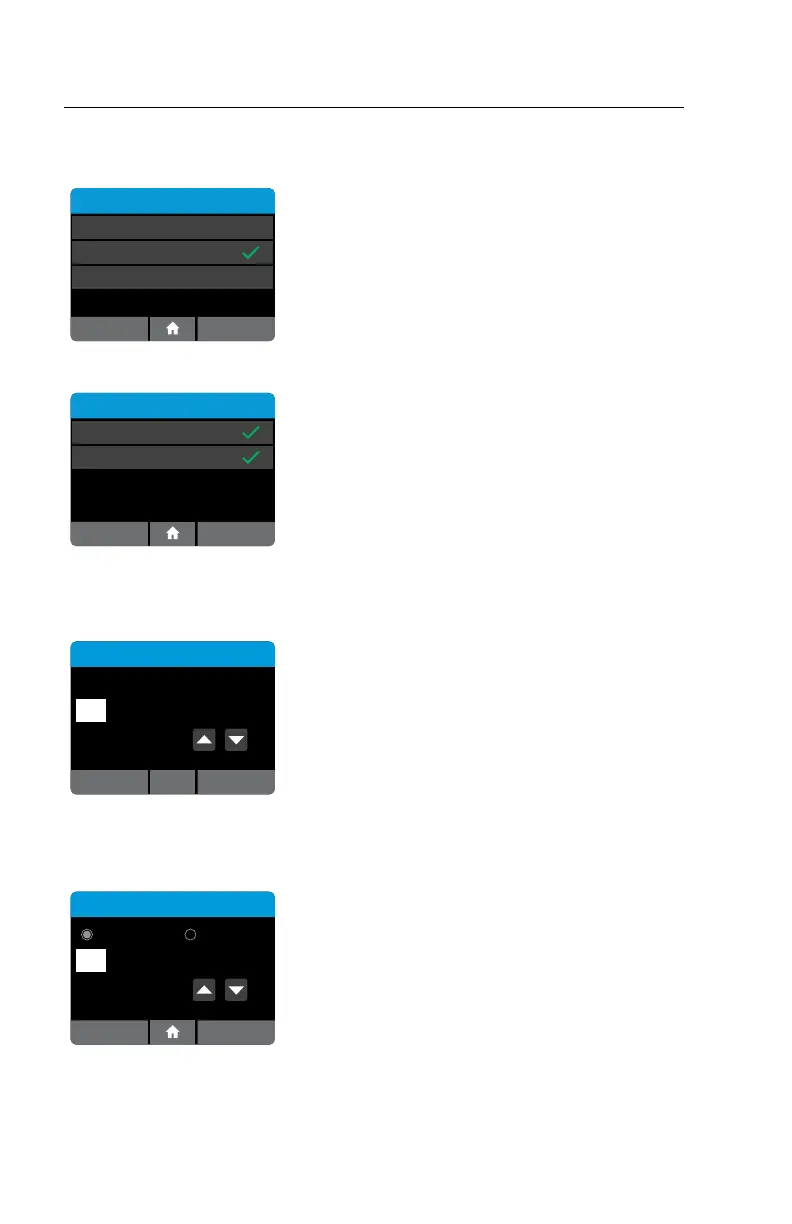
Use the Patient Details menu option to enable
a confirmation step in the Read Test workflow
to verify the identity of the patient. This
Positive Patient ID feature is only enabled when
connectivity is set to POCT-1A.
Press Always Prompt to toggle between on
(checked) and off (unchecked).
Note: The POCT server can enable/disable Positive
Patient ID.
Display Patient Info
On Screen
On Printout
OK
Patient Info can be displayed on Screen or on
Printout by pressing Display Patient Info which
will advance to a screen to choose On Screen and/
or On Printout. Press OK to accept changes and
return to Home screen.
4.5 Date (Admin Access Only)
Home>Setup>Date
Date
3 / NOV / 2013
OK
The Date Menu allows the Admin to set the correct
date.
Use the up and down arrow keys and the touch
screen to change the date and move between day,
month and year.
Press OK to save the settings and return to the
Setup Menu.
4.6 Time (Admin Access Only)
Home>Setup>Time
Time
12 Hour 24 Hour
11 : 35 PM
OKCancel
The Time Menu allows the Admin to set the correct
time.
Use the up and down arrow keys and touch screen
to change the time and choose between a 12 Hour
or 24 Hour display.
Press OK to save the settings and return to the
Setup Menu.



 To Next Page