38 ID NOW Instrument User Manual
7.2 QC Test Results
Positive QC Test Results
1/Jan/2013
User ID: Abbottuser1
QC Sample ID: ########
11:22am
Procedural
Control Valid
Flu A/B Positive QC Pass
PrintNew Test
Negative QC Test Results
Flu A/B Negative QC Pass
PrintNew Test
1/Jan/2013
User ID: Abbottuser1
QC Sample ID: ########
11:22am
Procedural
Control Valid
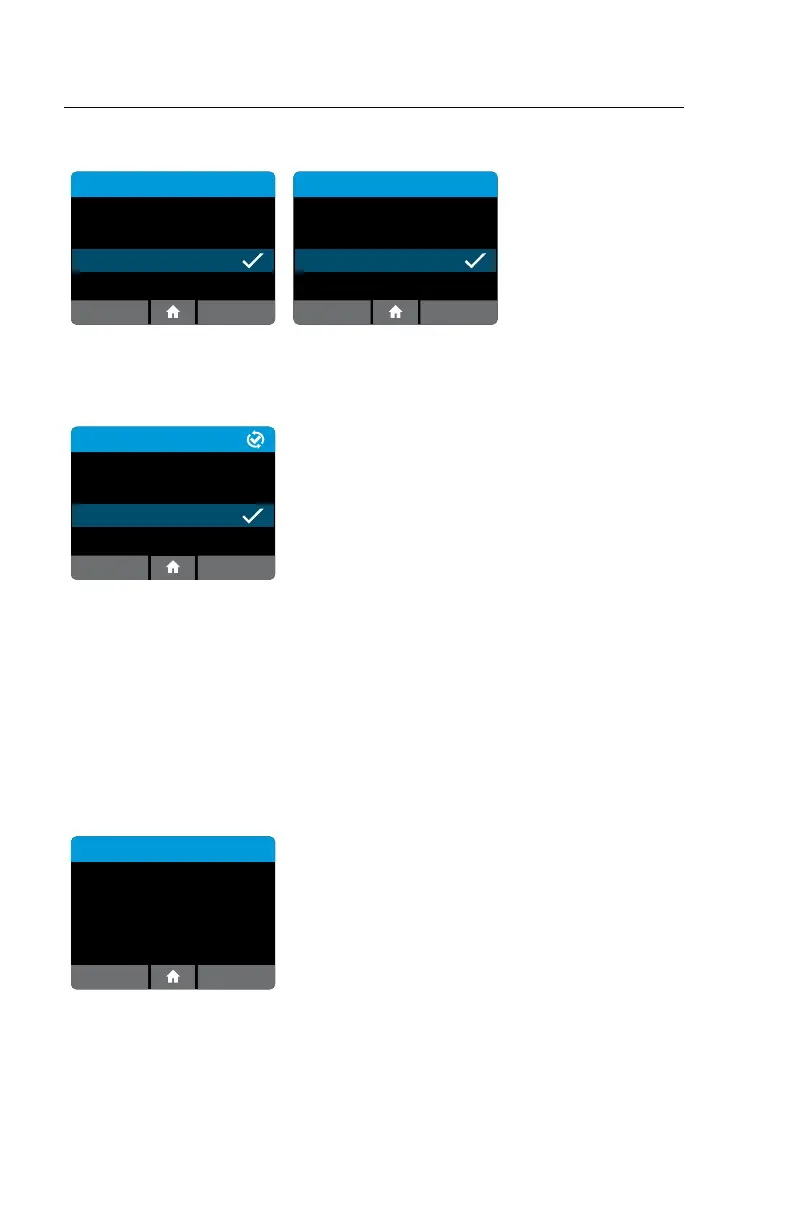
QC test results will be displayed on the screen upon test completion.
These examples show positive and negative QC results for an Influenza
A & B Test.
QC Test Results
11:22am
Procedural
Control Valid
Flu A/B Negative QC Pass
ActionsNew Test
1/Jan/2013
User ID: Abbottuser1
QC Sample ID: ########
Sent: DD/MMM/YYYY hh/mm am/pm
When Connectivity has been configured, the status
of each result is displayed on the QC Test Results
screen:
• Not Sent
• Queued for sending (as Not Sent, but
Auto-Sending is enabled, which will
eventually send the record)
• Connecting…
• Sending…
• Failed to send
• Failed to send, retrying…
• Sent (followed by the send date and time)
If a test result fails to transmit correctly, the instrument will attempt to send it
again up to 5 additional times, with a 30 second wait between attempts.
QC Test Results
OK
No results saved.
This screen will be displayed if the instrument has
not yet been used or following export and deletion
of all results.



 To Next Page