44 ID NOW Instrument User Manual
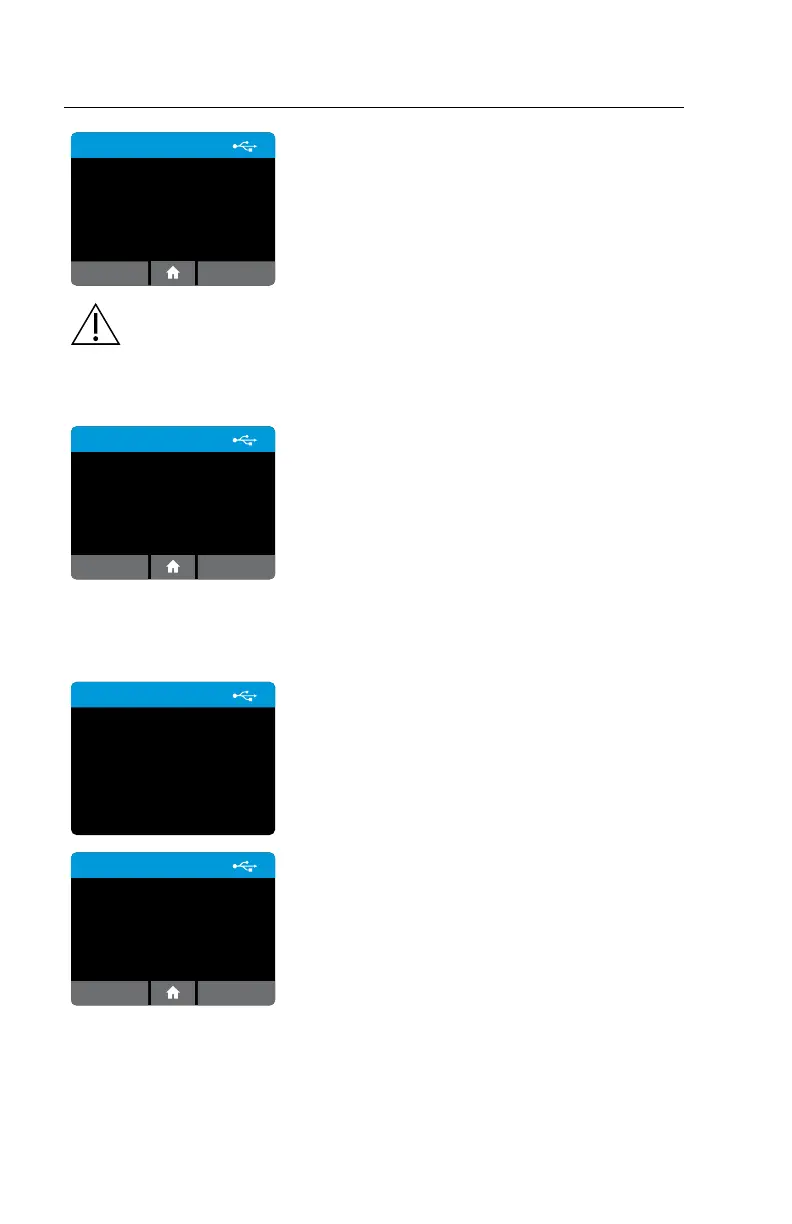
Export Results
Results successfully exported
to USB device.
Delete local results?
OKCancel
After successfully exporting the results, the
instrument will give the option to delete all results
stored in the instrument.
Caution: The ID NOW Instrument holds up to 999 patient results and
up to 99 QC test results. A warning will appear prior to a full memory.
Test and QC results must be exported before the memory is full, or
memory will be overwritten.
Export Results
Local results deleted.
OK
Archive saved data regularly to prevent loss.
9.5 Export Logfile
Home>Review Memory>Export Logfile
Export Logle
Exporting logle to USB
device ...
If there is an issue using the instrument, Abbott
Technical Support may request to export a Logfile
and email it to them. Abbott Technical Support
will use the information in the log file to assist with
diagnosis of the issue.
Export Logle
Logle exported.
OK
To export Logfile, a USB drive must be inserted
into one of the instrument USB ports. Logfiles
are not readable by users. Send log files to Abbott
Technical Support to assist with instrument
diagnosis.
Press OK to return to the Review Memory screen.



 To Next Page