26 ID NOW Instrument User Manual
4.12 Status Screen
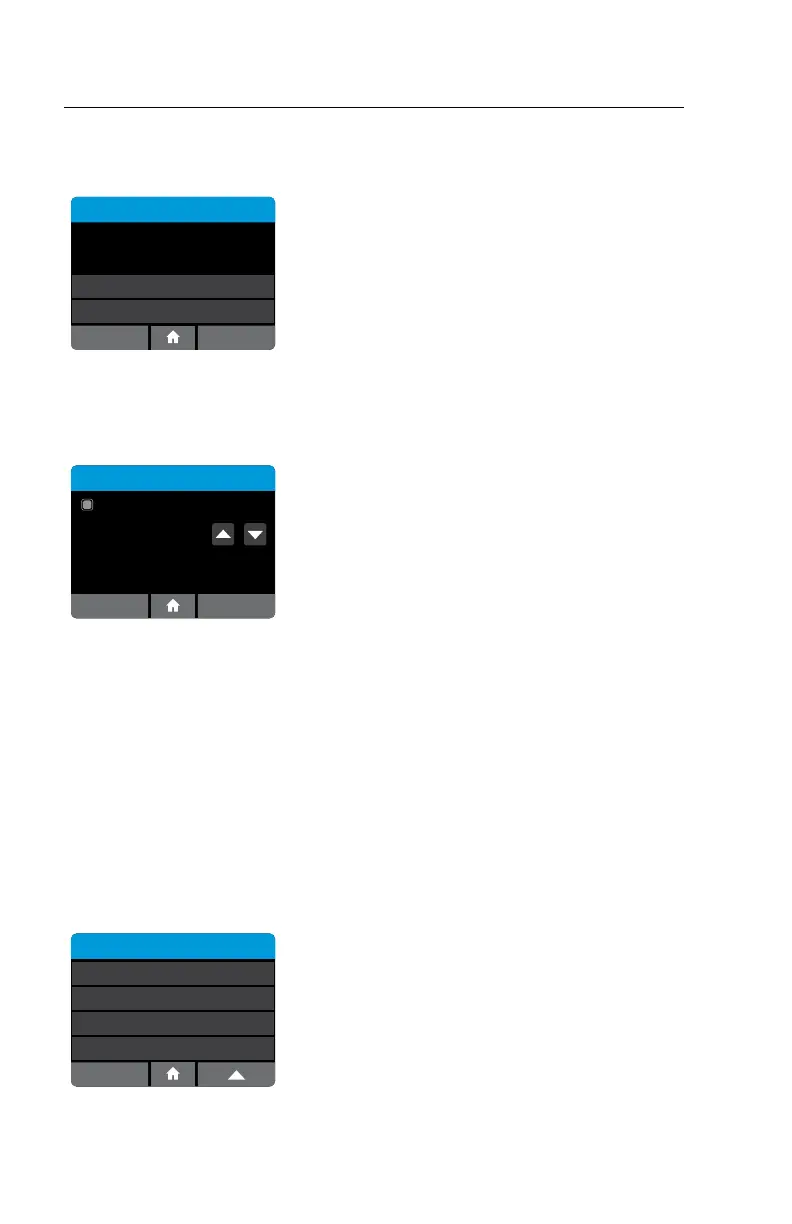
Home>Setup>Connectivity Status
Status
Unsent Results:
Total Results:
Test Connection
4
Send All Unsent
Success
2
Back Stop
Status shows how many total records are
in memory and how many have not been sent
to the connectivity server. This number includes
both QC test results and patient test results.
Test Connection tests connectivity to the server, as
seen under Connectivity Setup.
Send All Unsent sends all records to the server that
have not previously been successfully sent.
4.13 Auto-Sending Screen (Admin Access Only)
Home>Setup>Connectivity>Auto-Sending
Auto-Sending
OK
Auto-Sending
5 MinAuto-Send Period:
When Auto-Sending is enabled, the instrument
will regularly attempt to send all unsent records to
the connectivity server at the configured period.
The available selections are 5, 10, 15, or 30
Minutes, 1 Hour, and 1 Day.
4.14 Clear Sent History (Admin Access Only)
Home>Setup>Connectivity>Clear Sent History
Clear Sent History erases the time and date record for all results sent successfully.
This feature may be used if switching to a new laboratory information system or if
the user wants to re-transmit all test results.
4.5 QC Lockout (Admin Access Only or via POCT server)
Home>Setup>QC Lockout
The Admin can enable the QC Lockout function to ensure that a QC negative and
positive test must be run before patient testing is allowed on each new assay lot.
Note: When using POCT, the remote server can update these settings.
Setup
Remote Mode
QC Lockout
Connectivity
Lot Management
Select QC Lockout to configure QC Lockout
options.



 To Next Page