ID NOW Instrument User Manual 27
QC Lockout
ID NOW Assay 1
ID NOW Assay 2
ID NOW Assay 3 O
O
O
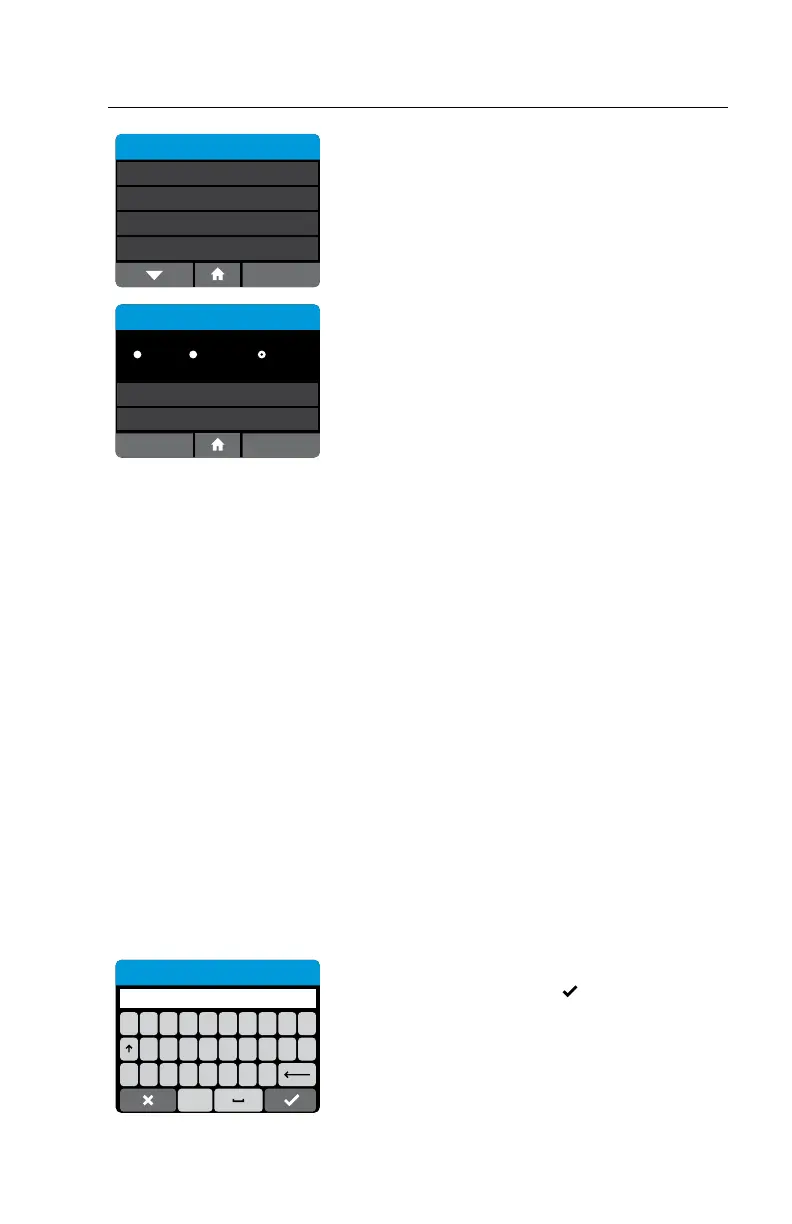
Select each assay from the QC Lockout menu to
configure QC Lockout.
QC Lockout - ID NOW Assay 1
Warn
Units
Frequency 100
Days
OK
Cancel
O Lockout
The QC Lockout Menu allows the Admin to
configure QC lockout options for the assay
selected.
Select O to disable QC Lockout (default)
Select Lockout or Warn to prevent any patient
tests being performed with a new lot until negative
and positive QC has passed for that lot.
The QC Lockout function when enabled (warn or
lockout mode) also allows the Admin to configure
a testing interval for the assay chosen (lot
independent).
In the Lockout mode when the assay frequency
expires, the user will be prompted to run a QC test
for that particular assay before a patient test can
be run.
In the Warn mode, when the assay frequency
expires it will present the user with an option to
proceed.
Units are set as either days or number of tests
performed by pressing the units button.
Frequency can be set between 1-1000. (If testing
interval is not required set frequency at 1000
days.)
Press Frequency to proceed to the touchscreen
keypad.
12345678
#+=. ,?!‘
/:;()$&@ “
Frequency
1000
ABC
To set the Frequency enter the number of days
or tests. Press X to reselect or
to confirm and
continue.



 To Next Page