40 ID NOW Instrument User Manual
9 REVIEW MEMORY
The IDNOW Instrument’s memory screens enable a user to search through the
stored data.
Select Review Memory from the Home menu screen.
Home>Review Memory
Review Memory
Patient Test Results
QC Test Results
Search Results
Export Results
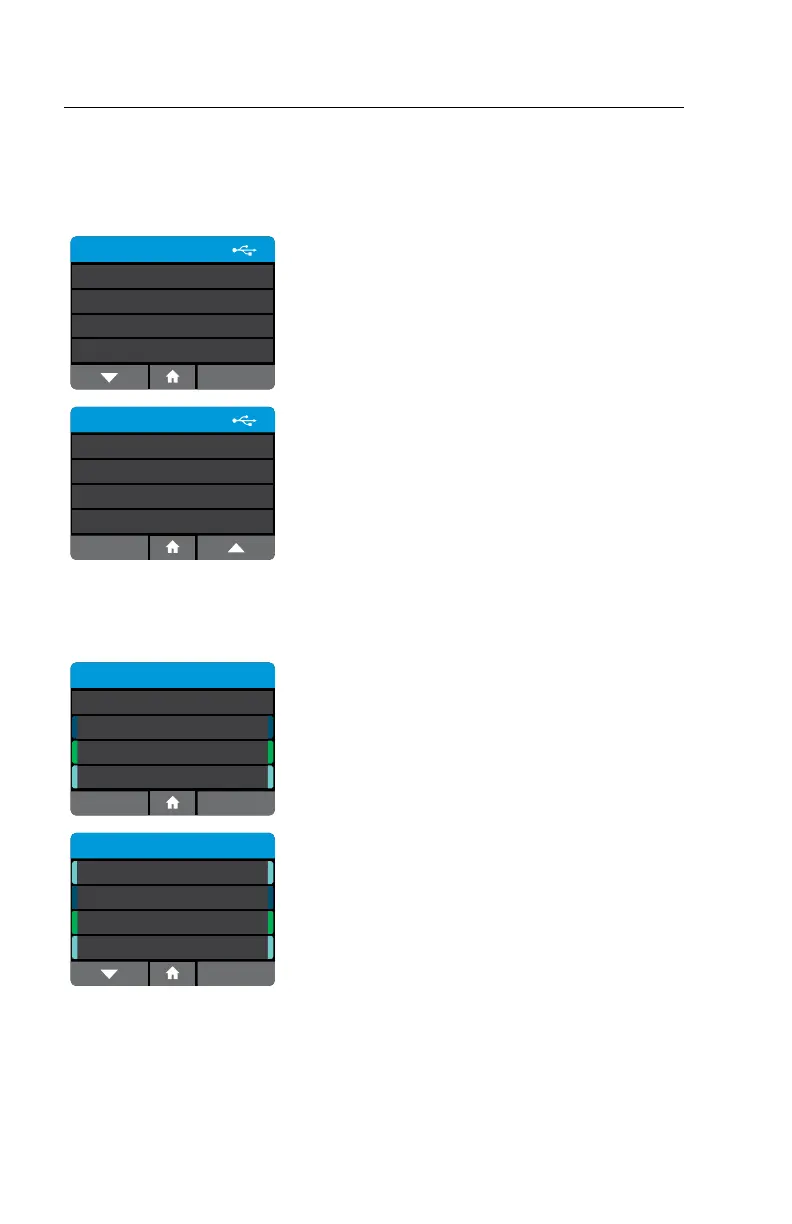
Navigate through the instrument memory by
viewing a list of Patient Tests or QC Tests.
Review Memory
Export Logfile
Transmission Status
Pending
nnn Unsent
Patient and QC Test Results are exported in JSON
format. A Logfile that records all the instrument
actions can also be exported.
The Status selection is accessible to all users from
this screen.
9.1 Patient Test Results
Home>Review Memory>Patient Test Results
Patient Test Results
All
Inuenza A & B
Strep A
RSV
Back
Select to choose what subset of test results to
view. Selecting "All" will display all of the Patient
Test Results on the instrument, whereas choosing a
specific assay will display only Patient Test Results
that match that assay type.
Patient Test Results
4 of 10
Patient9
Patient8
Patient7
RSV
27/Sep/2018 07:28
Inuenza A & B
26/Sep/2018 07:28
Strep A
25/Sep/2018 07:28
RSV
24/Sep/2018 07:28
Patient6
A list of all stored Patient Test Results will be
displayed, showing the first 8 characters of the
Patient ID. Use the up and down arrows to scroll
through the list, and the touch screen to select and
view a particular result.



 To Next Page