28 ID NOW Instrument User Manual
QC Lockout - ID NOW Assay 1
Warn
Units
Frequency 100
Days
OK
Cancel
O
Lockout
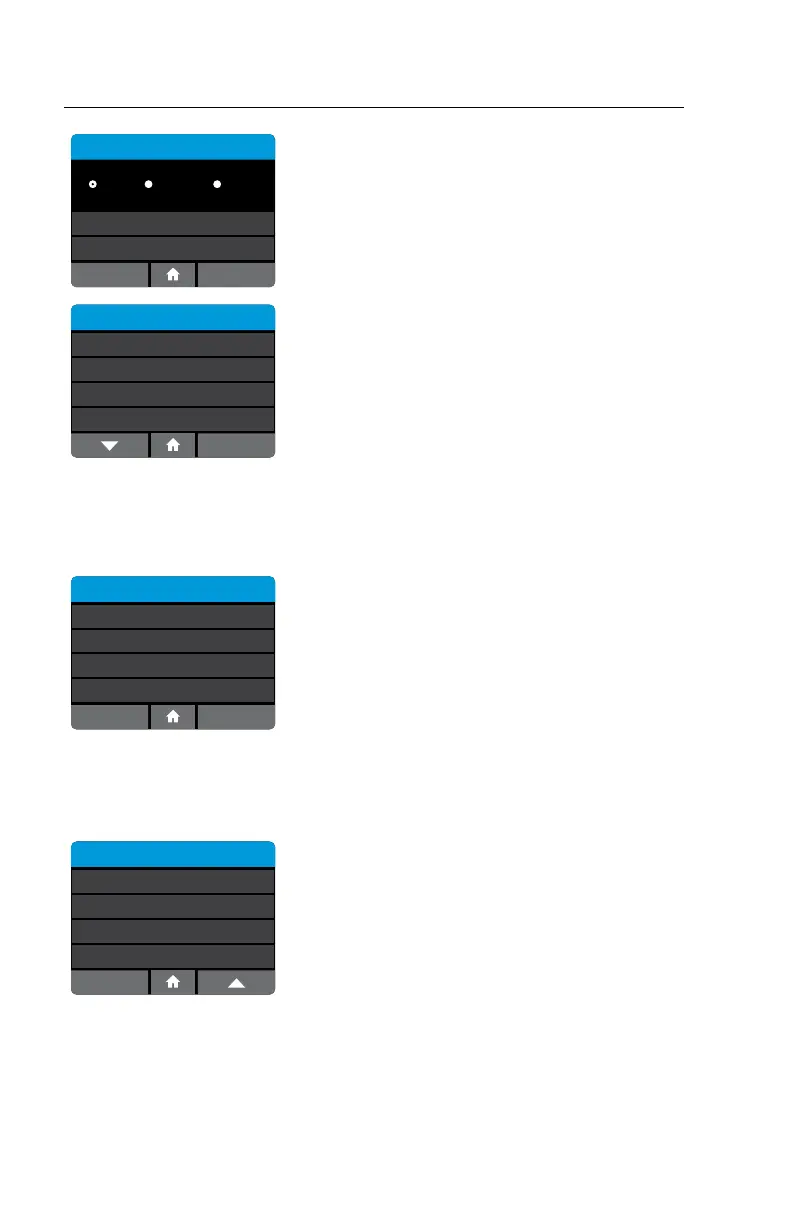
The screen will indicate selected Units and
Frequency. Press Cancel to return to previous
screen. When parameters are set as desired, press
OK to confirm and continue.
QC Lockout
ID NOW Assay 1
ID NOW Assay 2
ID NOW Assay 3 O
Warn - 100 Tests
Lockout - 30 Days
The QC Lockout screen will provide a summary for
each assay enabled on the instrument.
When the QC Lockout function is enabled (warn or lockout) the user will be
prompted to run QC negative and positive controls before a patient test can be
run. Alternatively, the user can change to a different lot (which has had a valid QC
negative and positive control associated with it.)
Run QC Test
Positive QC Test
Negative QC Test
Both QC negative and QC positive tests must
generate valid results before the instrument can run
a patient test. Select Run QC Test and follow the
steps in Section 7.
4.16 Lot Management (Admin Access Only or via POCT server)
Home>Setup>Lot Management
This feature allows the Admin to review detailed Lot information.
Setup
Remote Mode
QC Lockout
Connectivity
Lot Management
Select Lot Management to review QC test of lots
on instrument as well as to Export and/or Import
lots to and from instrument



 To Next Page