EasyManua.ls Logo

Abbott ID NOW NAT-024 - Home Screen Menus; Run Test Option; Run QC Test Option; Setup Option

Abbott ID NOW NAT-024
77 pages
Print Icon
To Next Page IconTo Next Page
To Previous Page IconTo Previous Page
Loading...
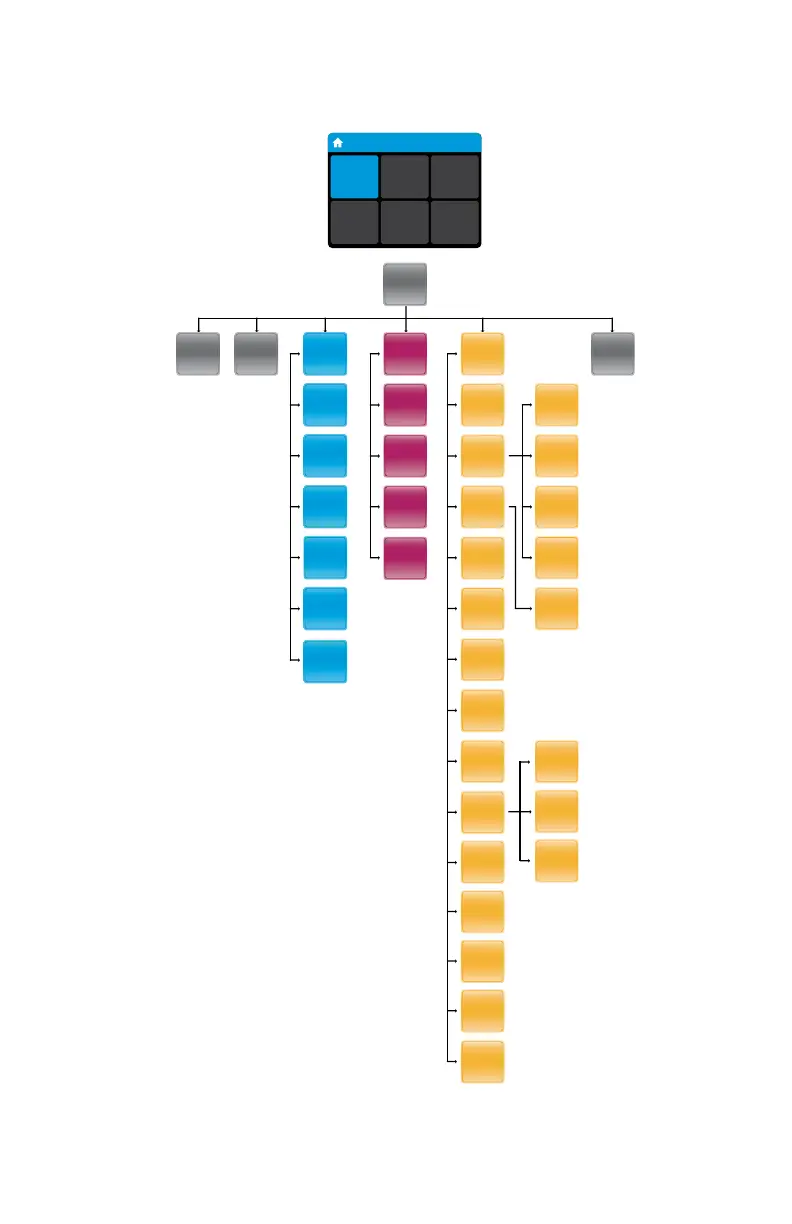
HOME SCREEN MENUS
Home
User ID
30/Jan/2018
10:12am
Run
Test
Run QC
Test
Review
Memory
Preferences Setup Log Out
ID NOW Instrument User Manual
*The Connectivity Status options will only appear when the instrument has been configured
by the Admin to specify the port and address of the ASTM LIS, HL7, or POCT server.
Patient
Test
Results
Review
Memory
Export
Logle
Export
Results
Search
Results
QC Test
Results
Logout
Home
Run
QC Test
Run
Test
Export
Users
Import
Users
User
Name
New
User
Remote
Mode
Auto-
Logout
Network
Time
Date
Patient
Details
Users
Login
Setup
Preferences
About
Brightness
Sound
Language
Assay
Preference
Transmission
Status
Setup
Status
Auto-
Sending
Connectivity
Lot
Management
Auto Print
Reset to
Factory
Default
Early
Detection,
on/o
QC
Lockout

Table of Contents

Other manuals for Abbott ID NOW NAT-024

Related product manuals