Installing the Motherboar 2-11
(5)
Installing System Memory
The motherboard provides three 168-pin DIMM sites for memory expansion..
The DIMM socket supports 1Mx64(8MB), 2Mx64(16MB), 4Mx64(32MB),
8Mx64(64MB), 16Mx64(128MB), and 32Mx64(256MB) or double sided
DIMM modules. Minimum memory size is 8MB and maximum memory size is
768MB SDRAM.
There are three Memory module sockets on the system board.(Total six banks)
In order to create a memory array, certain rules must be followed. The following
set of rules allows for optimum configurations.
!
The memory array is 64 or 72 bits wide. (Without parity or with parity)
!
Those modules can be populated in any order.
!
Support single and double density DIMMS.
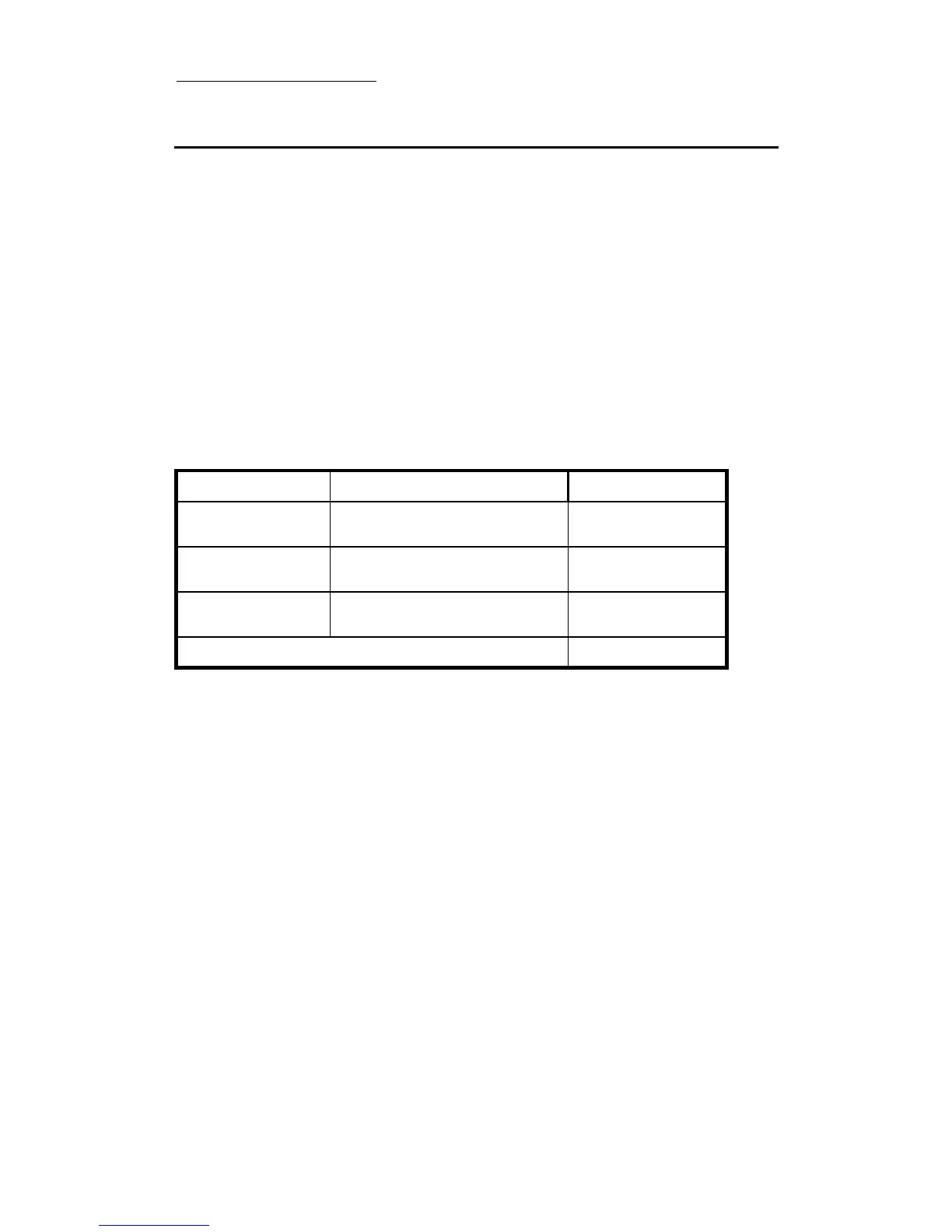
The following is the valid memory configuration:
Bank Memory Module
Total Memory
Bank 0, 1
(DIMM1)
8MB, 16MB, 32MB,
64MB, 128MB, 256MB
8MB ~ 256MB
Bank 2, 3
(DIMM2)
8MB, 16MB, 32MB,
64MB, 128MB, 256MB
8MB ~ 256MB
Bank 4, 5
(DIMM3)
8MB, 16MB, 32MB,
64MB, 128MB, 256MB
8MB ~ 256MB
Total System Memory 8MB ~ 768MB



 To Next Page