C-2 Appendix C
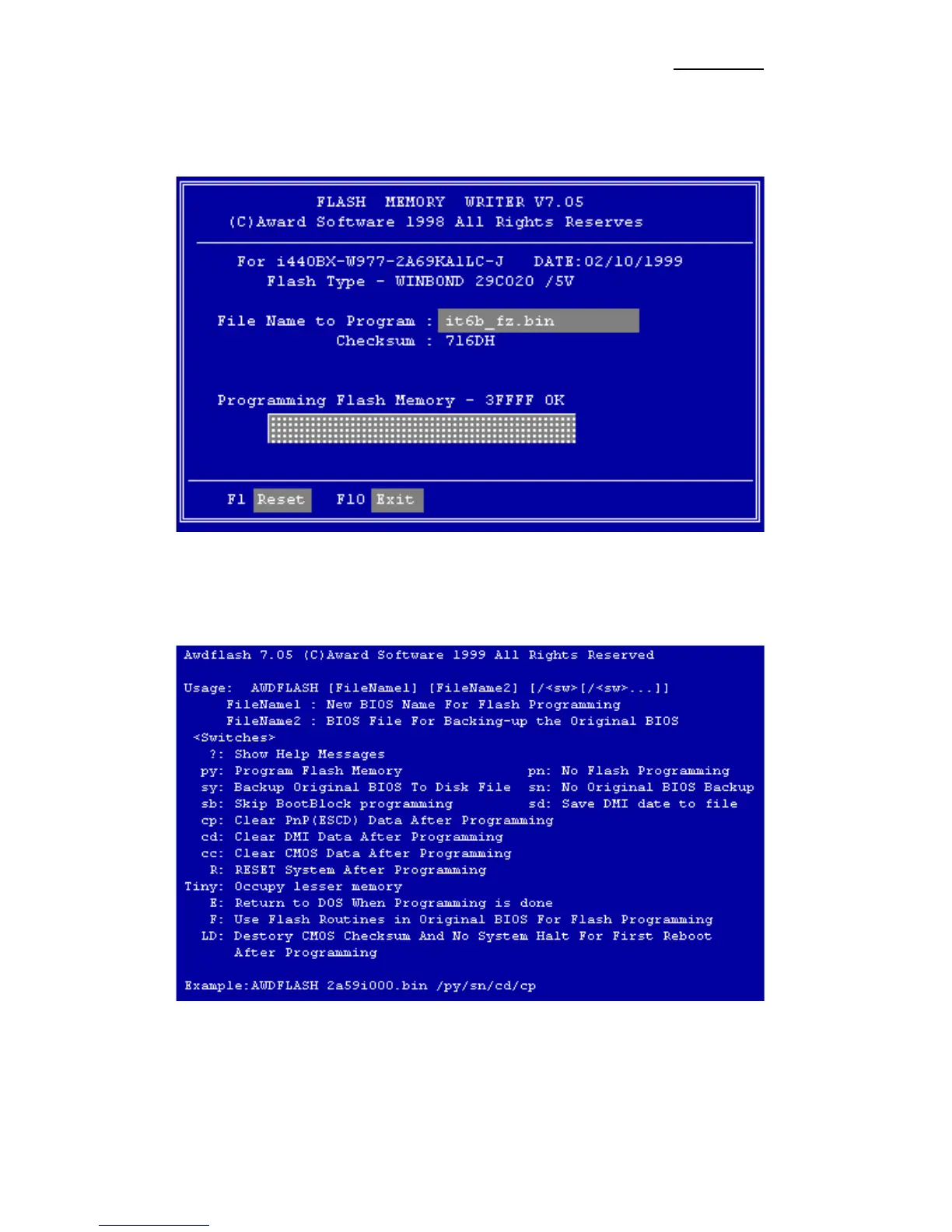
When you have finished updating your BIOS, you will see the screen as in
Figure C-2. You then need to press the “F1” key to reset the system, or press
the “F10” key to exit the writer.
Figure C-2. Award Flash Memory Writer V7.05 Complete Screen
Figure C-3 shows you what commands you can use for the flashing program,
you need to go into the pure DOS environment and type awdflash /?, then you
will see Figure C-3.
Figure C-3. Flash Commands Screen



 To Next Page