BIOS Setup 3-13
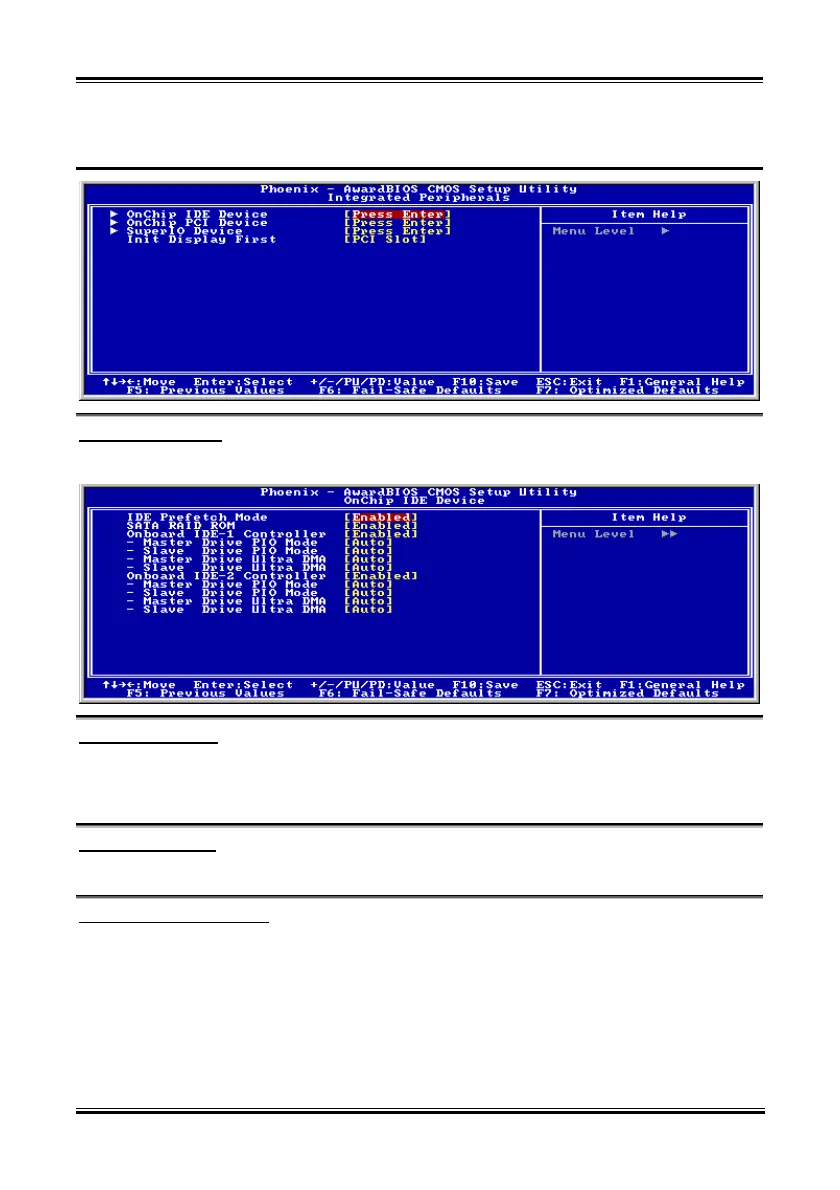
3-5. Integrated Peripherals
OnChip IDE Device:
Click <Enter> key to enter its submenu:
IDE Prefetch Mode:
Two options are available: Disabled or Enabled. The default setting is Enabled. The onboard IDE drive
interfaces supports IDE prefetching for faster drive accesses. If you install a primary and/or secondary
add-in IDE interface, set this field to Disabled if the interface does not support prefetching.
SATA RAID ROM:
This item allows you to use the boot ROM of onchip Serial ATA RAID to boot-up system.
Onboard IDE-1 Controller:
This item allows you to enable or disable the primary and secondary IDE controller. Select [Disabled] if
you want to add a different hard drive controller.
Master/Slave Drive PIO Mode
The PIO (Programmed Input/Output) mode allows the BIOS to tell the controller what it wants and then
let the controller and the CPU perform the complete task, rather than having the BIOS issue a series of
commands to affect a transfer to or from the disk drive.
[Auto]: The BIOS will select the best available mode after checking your disk drive.
User’s Manual



 To Next Page