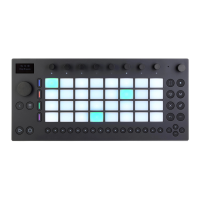
Controlling the Pans for Eight Tracks.
If your Set contains six or more return tracks, the rightmost upper
display button will change to an arrow, which allows you to select which
sends are visible in the display. Volumes and Pans will always remain
visible.
You can use the lower display buttons or Session D-pad’s left and right
arrow buttons to select a track for editing. If your Set contains more
than eight tracks, Session D-pad’s left and right arrow buttons will allow
you to navigate to a track which may be currently out of view.
Press the Master button to select the Master track.



 To Next Page