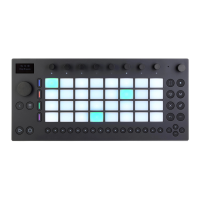
A Drum Rack.
To expand an Instrument Rack and reveal its devices, select it using the
corresponding upper display button and then press the button again.
This will unfold the Rack and display the devices in the currently
selected chain. When a Rack is unfolded, an underline appears that
extends to the end of the enclosed devices.
An Expanded Instrument Rack.
To expand a Drum Rack and reveal its individual devices for each pad,
select it using the corresponding lower display button and then press
the button again.
An Expanded Drum Rack.
You can then press on each device’s corresponding display button to
access its specific parameters. When a device is selected, you can use
the encoders to adjust the corresponding parameters.



 To Next Page