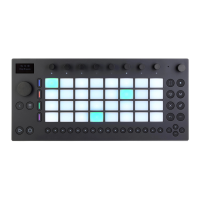
The Swing and Tempo Encoder.
You can tap the encoder to see if it is currently set to Swing or Tempo,
then press the encoder to change between Swing and Tempo.When
Tempo is selected, turning the encoder adjusts the tempo in
increments of one BPM. Hold Shift and turn the encoder to shift the
tempo in increments of .1 BPM.
When Swing is selected, turning the encoder sets the swing amount for
quantized or repeated notes using 1% increments anywhere between
0% - 100%.



 To Next Page