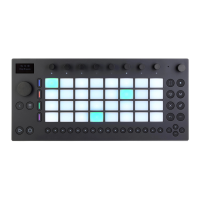
The Metronome Button.
The Metronome and Time Signature Settings.
You can choose the count-in length for the metronome using the
corresponding encoder. The sound of the metronome can be set to
Classic, Click, or Wood.
The Rhythm parameter sets the beat division at which the metronome
ticks. When set to Auto (the default), the tick interval follows the time
signature’s denominator.



 To Next Page