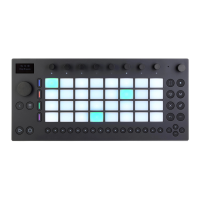
Navigate to the User Library.
4.
Press the jog wheel or the center button of the Session D-pad to
select the User Library.
The User Library.
5.3 Deleting and Renaming Content
Content that you create and store on Push can be deleted or renamed.
Highlight the device or Set you would like to modify in Browse Mode or
the Set Library, and then nudge the jog wheel to the right to show that
item’s context menu. Turn the jog wheel to highlight either the Delete or
Rename option, and press the jog wheel to select it. You can exit the
menu by pressing the display button above the X shown in the upper
left corner of the display.
Delete or Rename a File.
When you select Delete, you can either delete the file permanently by



 To Next Page