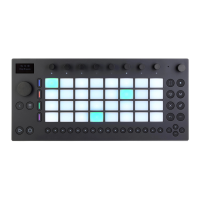
To quickly access your Packs, press the Add Button and then press the
upper display button above Packs.
Access Your Packs.
You will then see a list of all Packs that are currently installed on Push,
as well as any additional Packs that can be downloaded. To install a
Pack, first use the jog wheel or Session D-pad to navigate to and select
Available Packs.
Select Available Packs in Push’s Browser.



 To Next Page