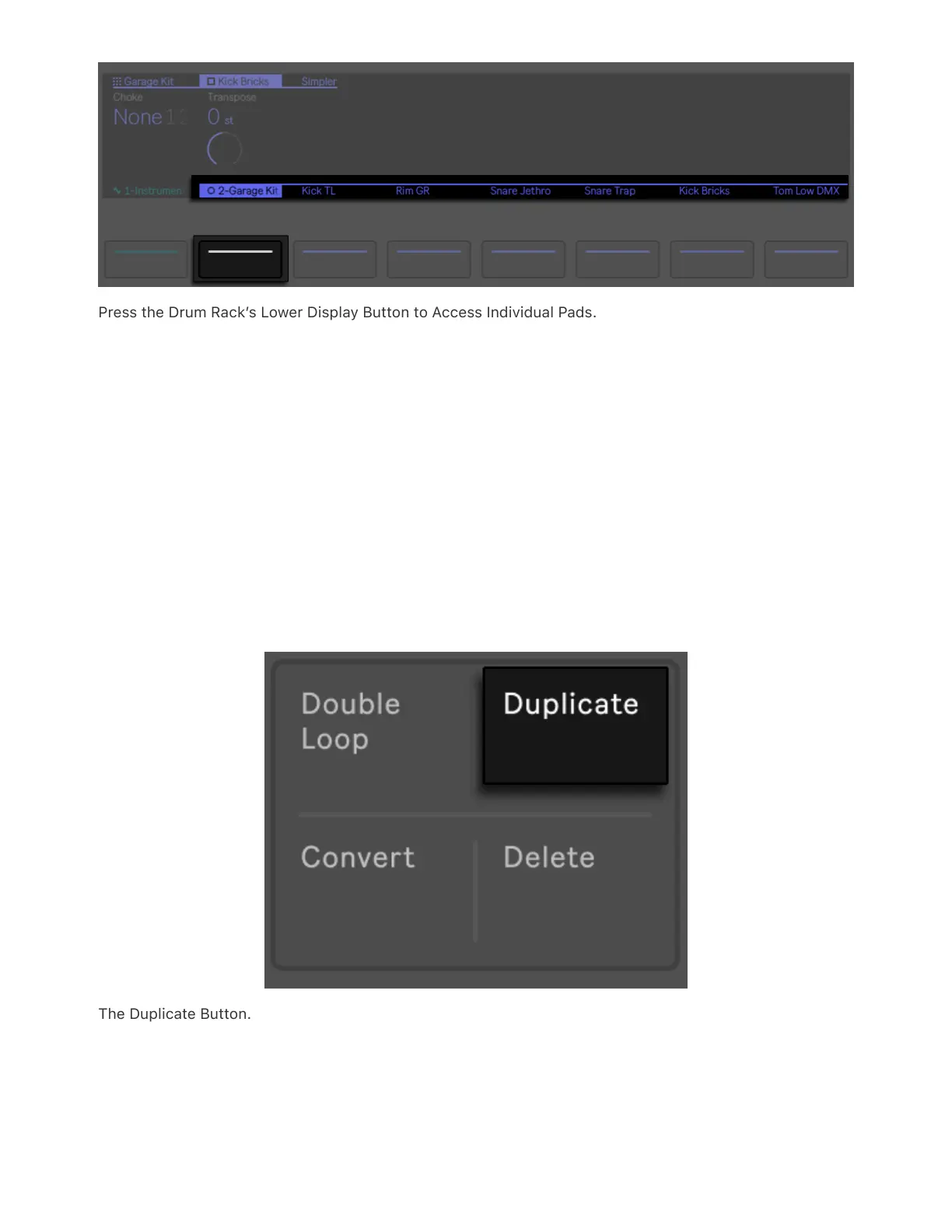
Press the Drum Rack’s Lower Display Button to Access Individual Pads.
6.4.1 Additional Pad Options
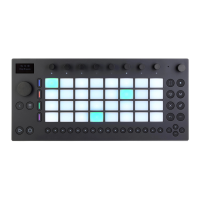
To copy the devices from one Drum Rack pad to another, hold the
Duplicate button and press the pad you’d like to copy; then, while still
holding Duplicate, press the destination pad to paste the copied
devices. Note that this will replace the destination pad’s devices (and
thus its sound) but will not replace any existing notes already recorded
for that pad.
The Duplicate Button.
When a single pad is selected, press the corresponding upper display



 To Next Page