- 22 - New HC Series User Manual
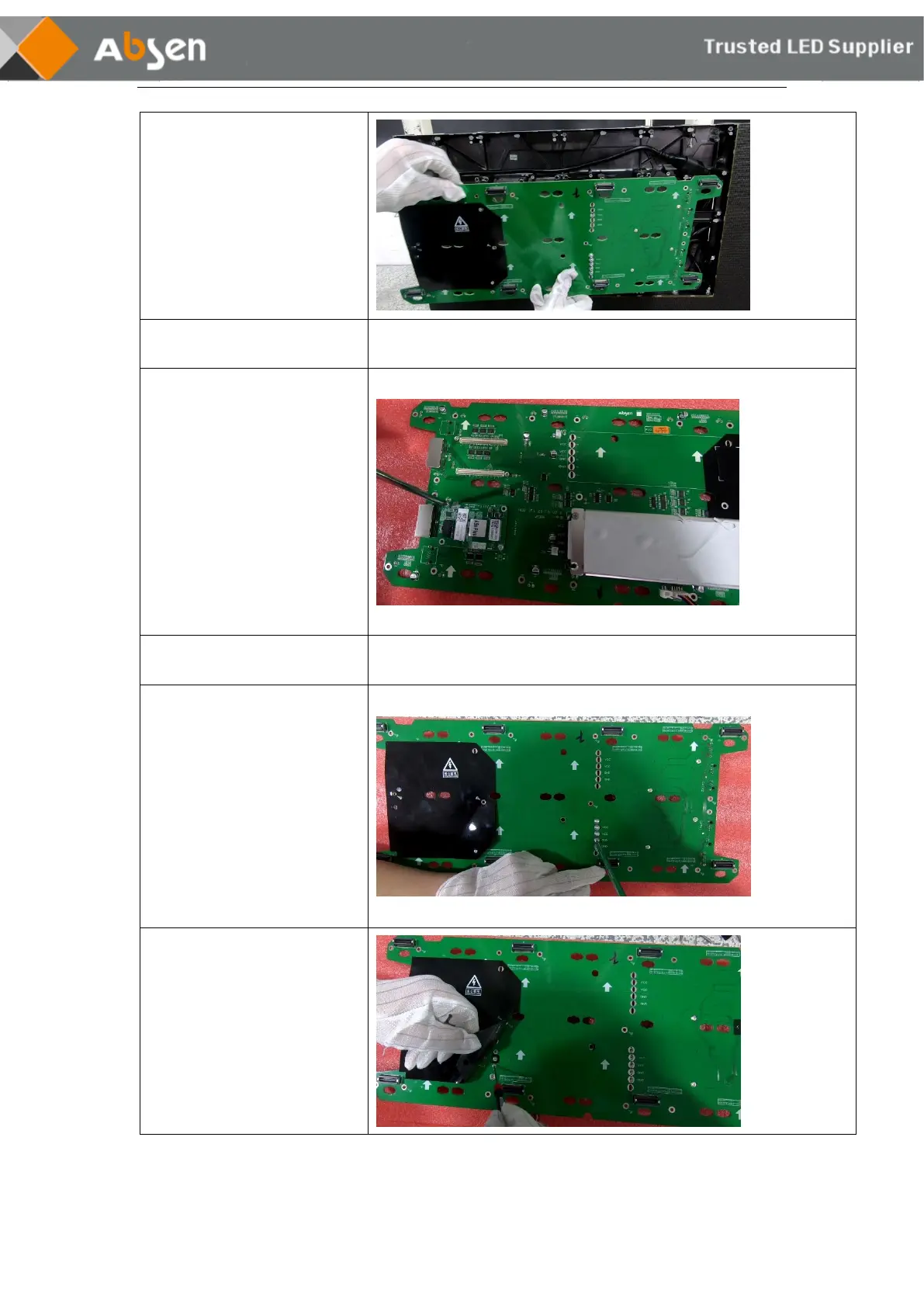
❸ Remove the power supply and
network cable from the HUB, and
remove the HUB.
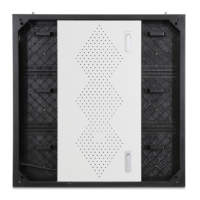
Receiving card Maintenance
Procedure
❶Use the PH2 cross screwdriver,
remove the two screws of the fixed
receiving card and replace the
failure card.
Power supply Maintenance
Procedure
❶ Use the PH2 cross screwdriver
to remove the PM3 round head
screw that fixes the power supply.
❷Remove the black insulation.
Remove the PM2 round head screw
fixing the power supply using a PH00
cross screwdriver. Then the power
supply can be removed.
Maintenance instructions: If you cannot determine the cause of the fault or do not
understand how to replace the spare parts, please contact Absen!



 To Next Page
 Loading...