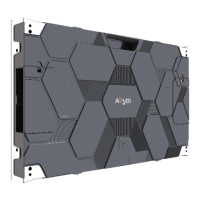
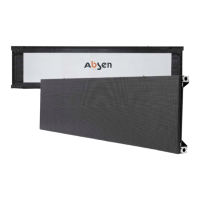
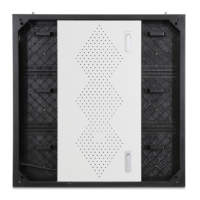
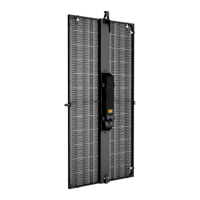
3.3 Flatness adjustment mechanism
3.3.1 Three-axis and six-way adjustment(Cabinet)
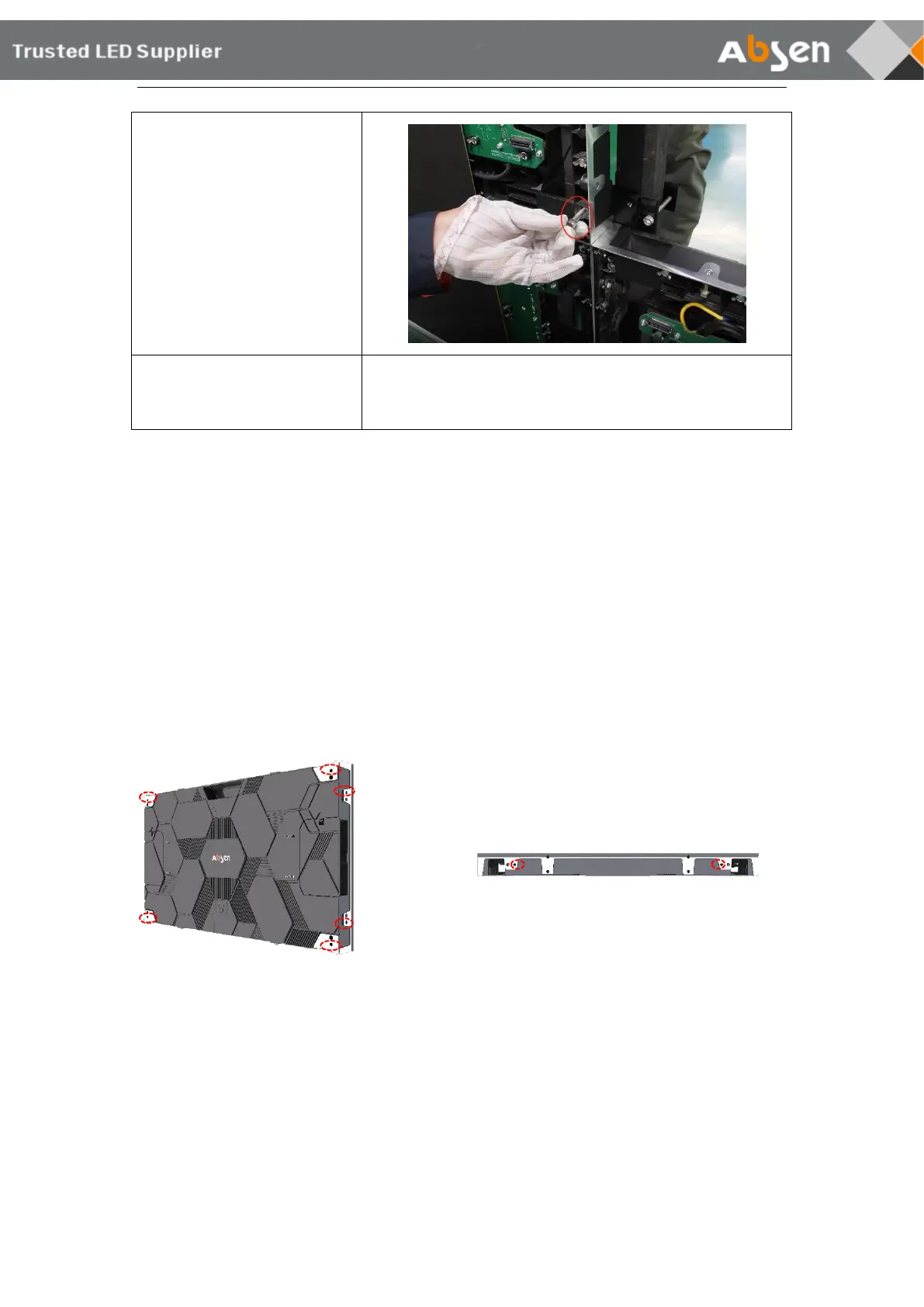
When the stitching between the cabinets is not smooth and needs to be adjusted, the
position can be fine-tuned by the flatness adjustment screw. The positions of adjusting screws
are designed on the top (2 pcs), side (2 pcs) and back (4 pcs) of each cabinet (red circle in the
following picture). Use flatness adjustment screw and 3mm L-shaped hexagon adjustable
wrench to fine tune the cabinet position.



 To Next Page
 Loading...