KLCOB V2 Series User Manual - 13 -
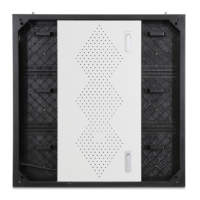
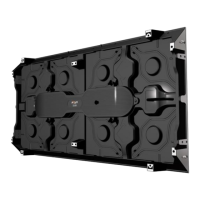
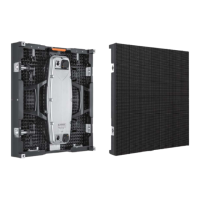
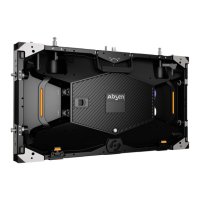
After the panel is installed, confirm that the wire is connected, and then install the module
on the frame according to the rule number.
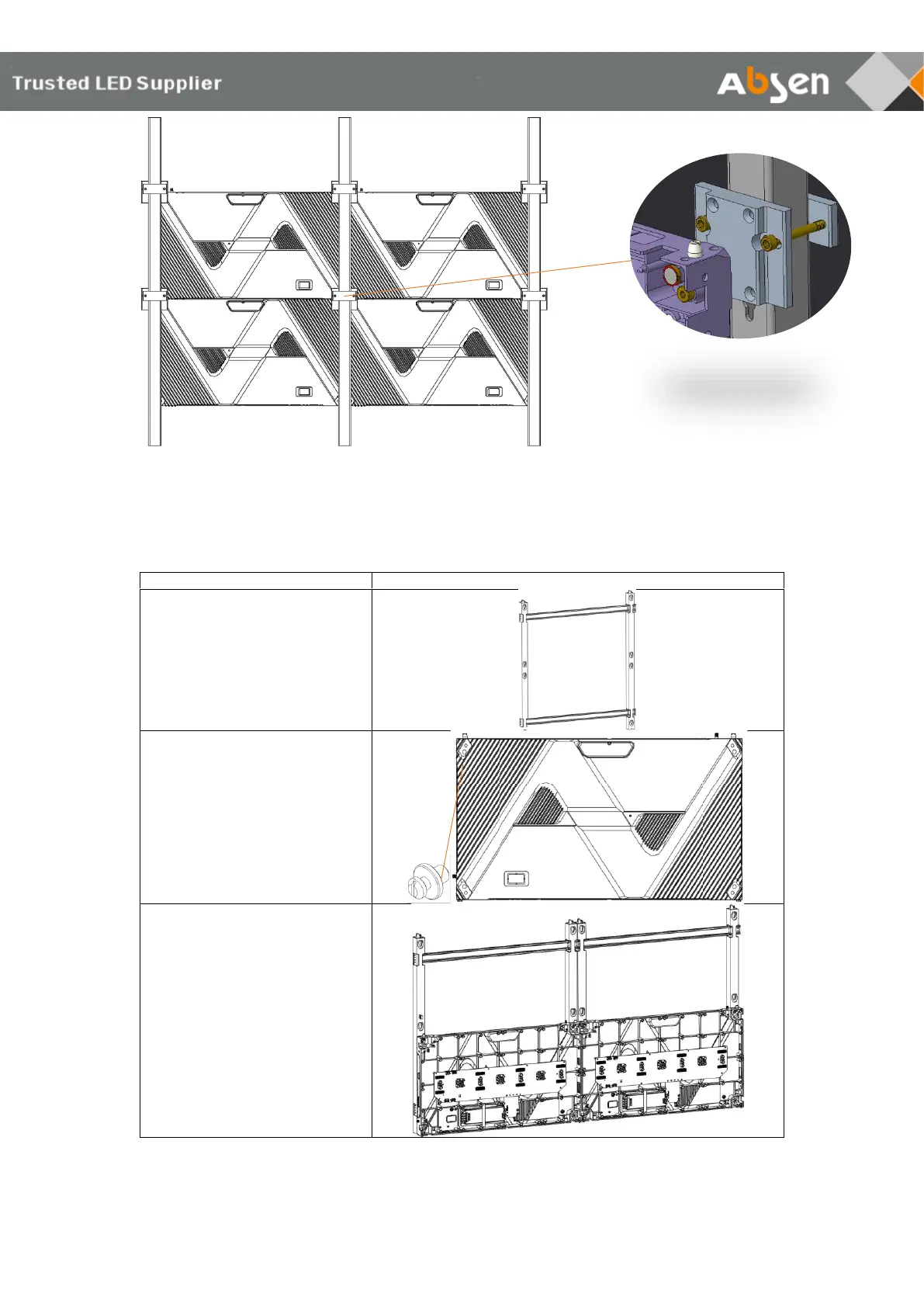
3.2 Wall mounting installation
step 1:
Use M6 self-tapping screws or M6
expansion screws to fix the wall
mounting frame on a flat wall.
Step 2: Install the screw on the
mounting holes, and install 4
screws on each panel .
Step 3:
Install the panel frame (excluding
modules) on the wall mounting
frame . Install from bottom to top,
and complete the installation of
the inner connection piece .
Note: The left and right sides, top
and bottom of the panel are
locked and fixed with screws .


 To Next Page
 Loading...