KLCOB V2 Series User Manual - 15 -
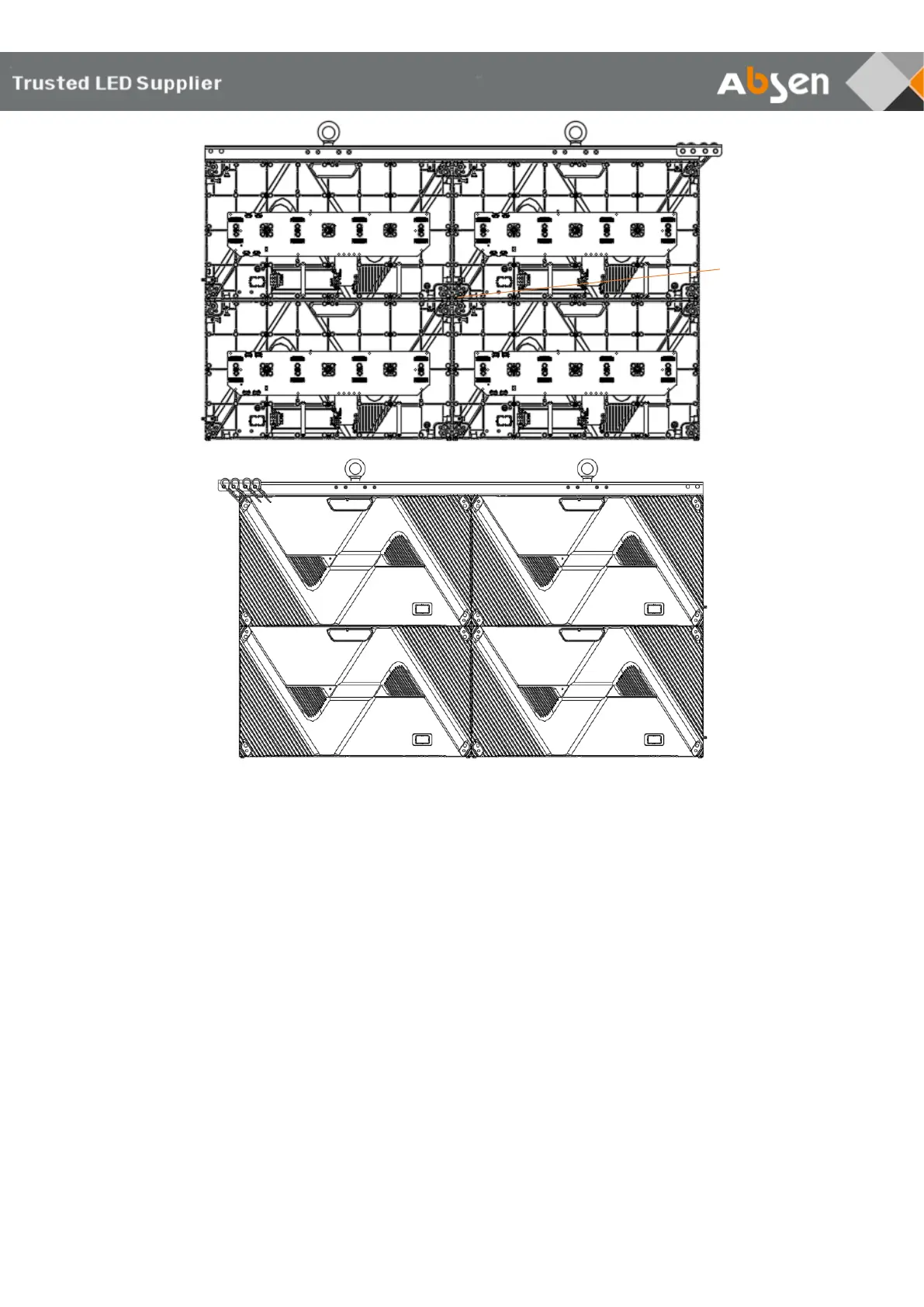
4.Product Cabling
Preparation before cabling
Before applying power and signal source to the screen, please check power and data
cables connections carefully and make sure they are wired correctly. Use a multimeter to
test the L, N and PE lines in AC power input port and make sure the three lines are not
short-circuited.



 To Next Page
 Loading...