5.2 Maintenance instructions
5.2.1 module maintenance
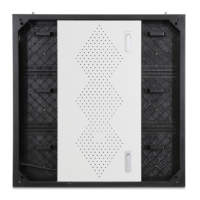
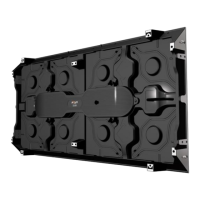
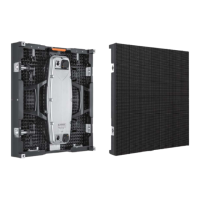
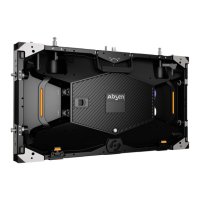
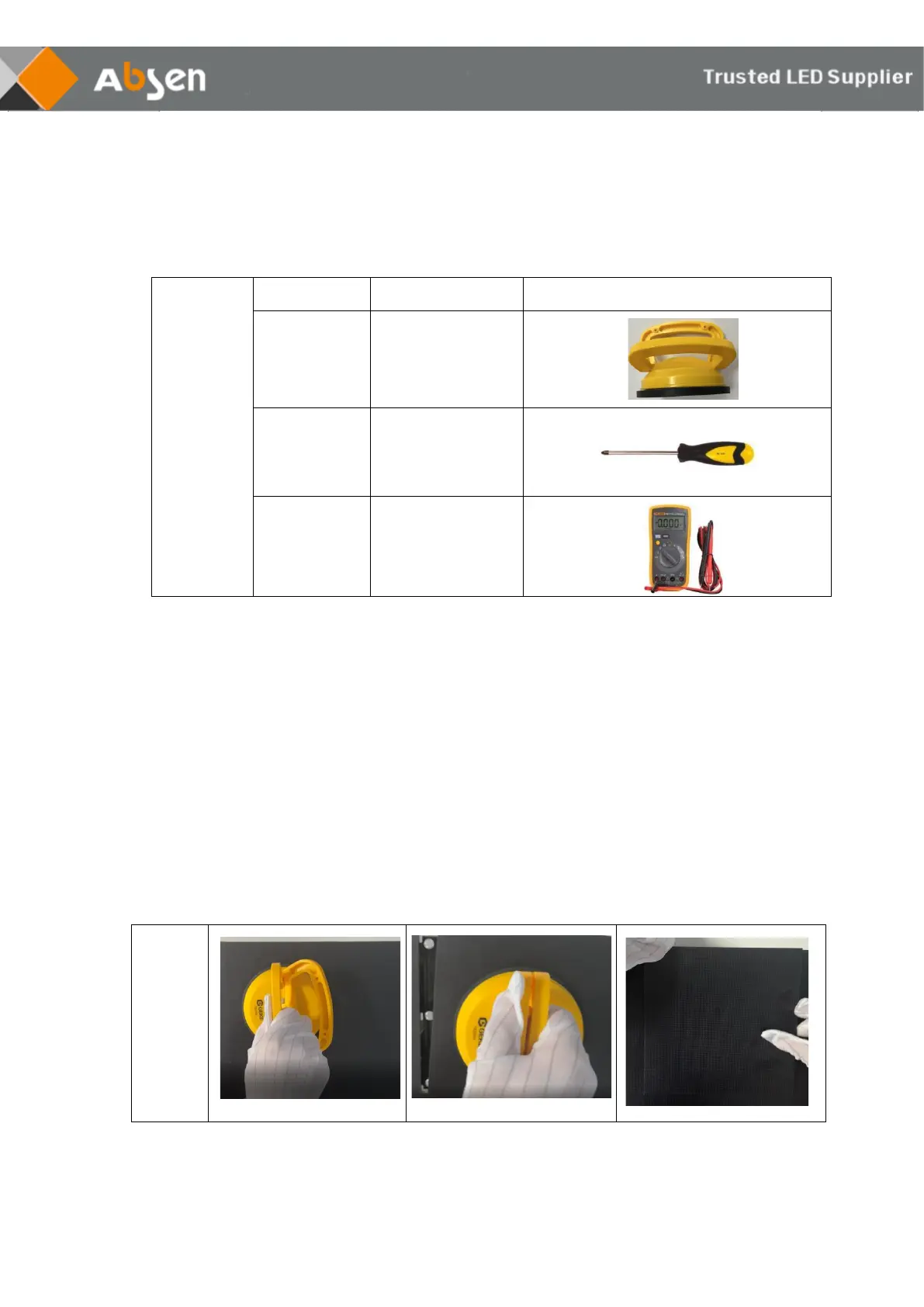
KLCOB V2 series modules can be quickly removed using passive front maintenance.
Open the handle of the front maintenance tool, place the front maintenance tool on the
surface of the faulty module to be taken out, pull up the handle of the front maintenance
tool, and then gently pull the maintenance tool outward to take it out module.
Note: Before maintaining the module, it is necessary to use a dust-free cloth to clean the
dust on the surface of the maintenance tool.


 To Next Page
 Loading...