29
English
5.3. Power supply
IMPORTANT!
Before starting installation, ensure that the power supply voltage and the rated voltage of
the camera are identical.
The cameras require a 12 V DC or 24 V AC power supply. The polarity of the DC voltage supply does
not need to be observed!
5.4. Connecting the video cable
In order to transmit the HD-TVI video signal from the camera to a recorder, an RG59 or RG6 type coaxial
cable with BNC connector (male) must be connected to the connection labelled 'TVI'. The cable length to
the next device must not exceed 500 m (RG6) or 300 m (RG59).
An RG59 or RG6 type coaxial cable can be connected to the analogue video output (labelled 'CVBS').
The cable length to the next device must not exceed 100 m.
To ensure optimum quality of the HD-TVI signal transmission, it is important that the cable is
neither kinked nor crushed at any point, and that its radius is adequate (min. bending radius
6 cm).
Damage to the cable or porosity as a result of ageing can have a negative impact on the
quality of the signal or image (e.g. shadowing around the edges).
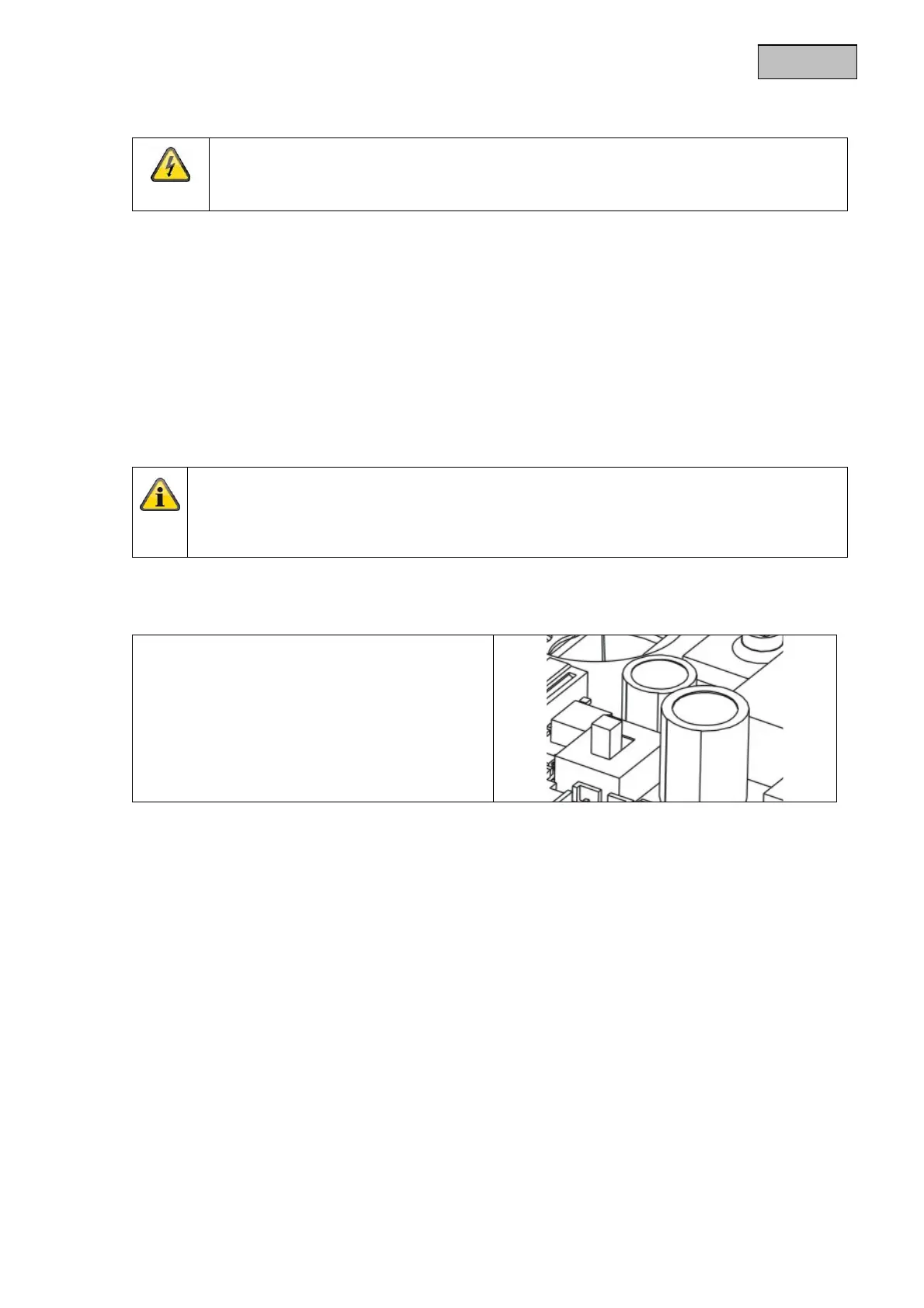
5.5. Switching between DWDR on and DWDR off
A switch on the PCB of the camera module allows
you to activate or deactivate the DWDR function.
The DWDR function or any other form of contrast
treatment can also be configured via the on-
screen display (locally on the camera or via the
ABUS HD-TVI DVR).


 To Next Page