102
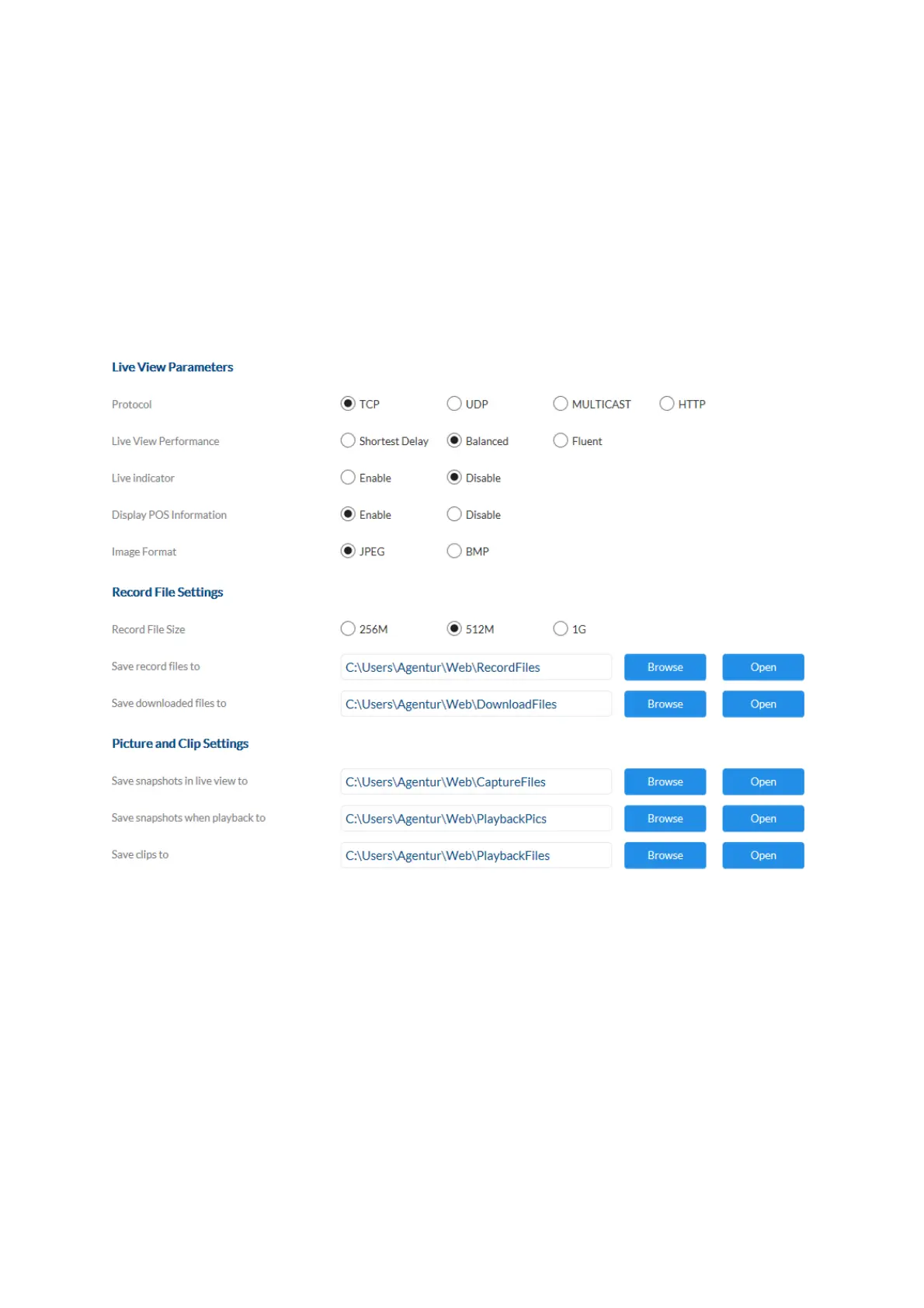
Image format: Select the encoding format for saving single frames using the
browser live interface.
Record file size: Select the size of video sequences for saving videos using
the browser live interface.
Save record files to: Select the path for video recording.
Save downloaded files to: Select the path for video files downloaded from the SD card.
Save live snapshots to: Select the encoding format for saving images using the
browser live interface.
Snapshots during playback: Select the path for saving images during playback.
Save clips to: Select the path for saving video clips during playback.



 To Next Page