79
7. View and configuration menus user "installer"
7.1 Live view
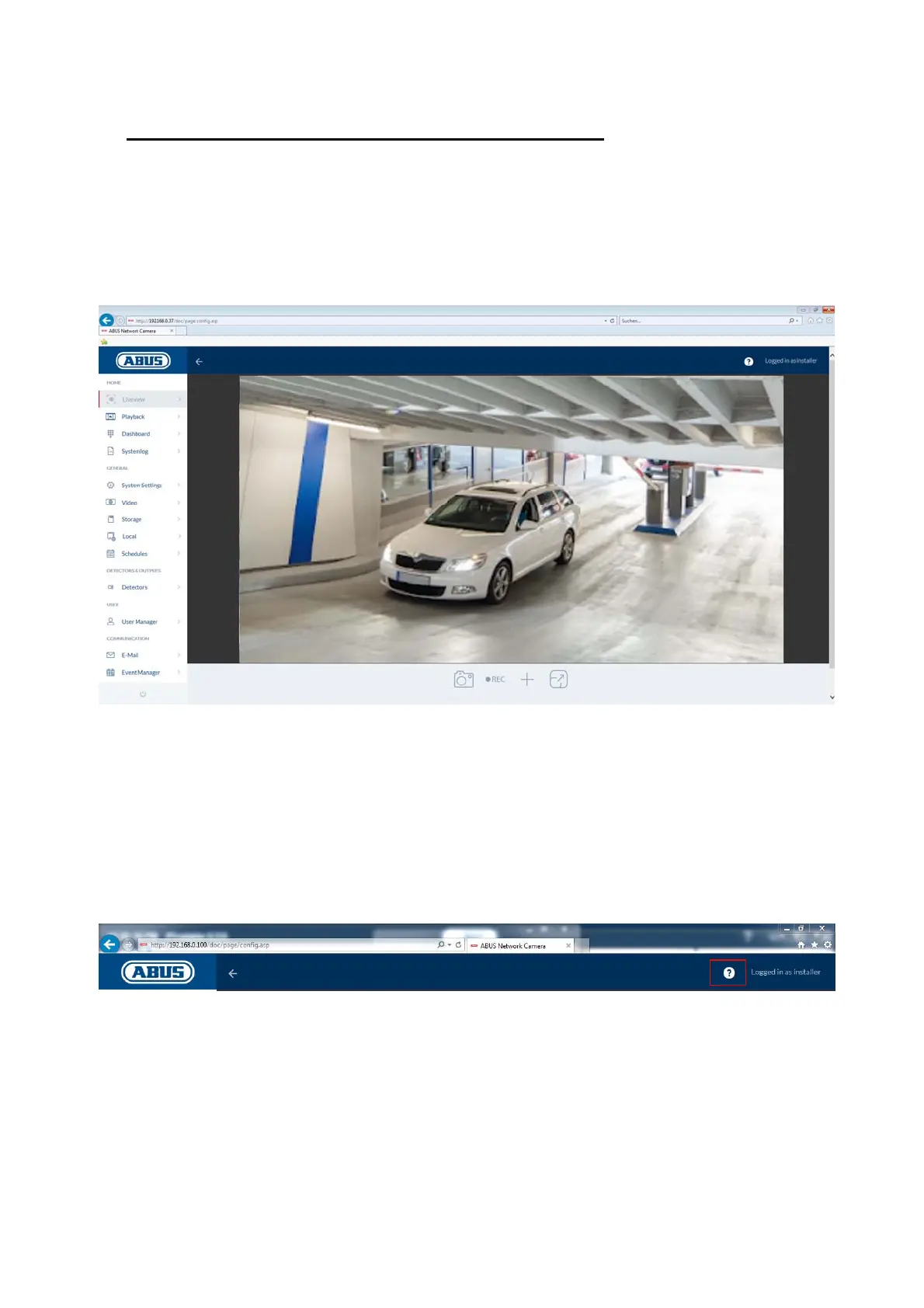
The live view display for the installer user is similar to that of the master user. However, the
installer user has extended options for settings such as the set up wizard or extended
configuration.
(Example image: IPCB42515A)
7.2 Quick help
Pressing this button in the top right corner displays information on the individual settings on many
of the settings pages.



 To Next Page