108
Password/confirm: Enter and confirm the password here.
The home page and login window are displayed in the language of the PC as long as
this language is available in the camera. If the language is not available, it will be
displayed in English.
7.12.2 Online users
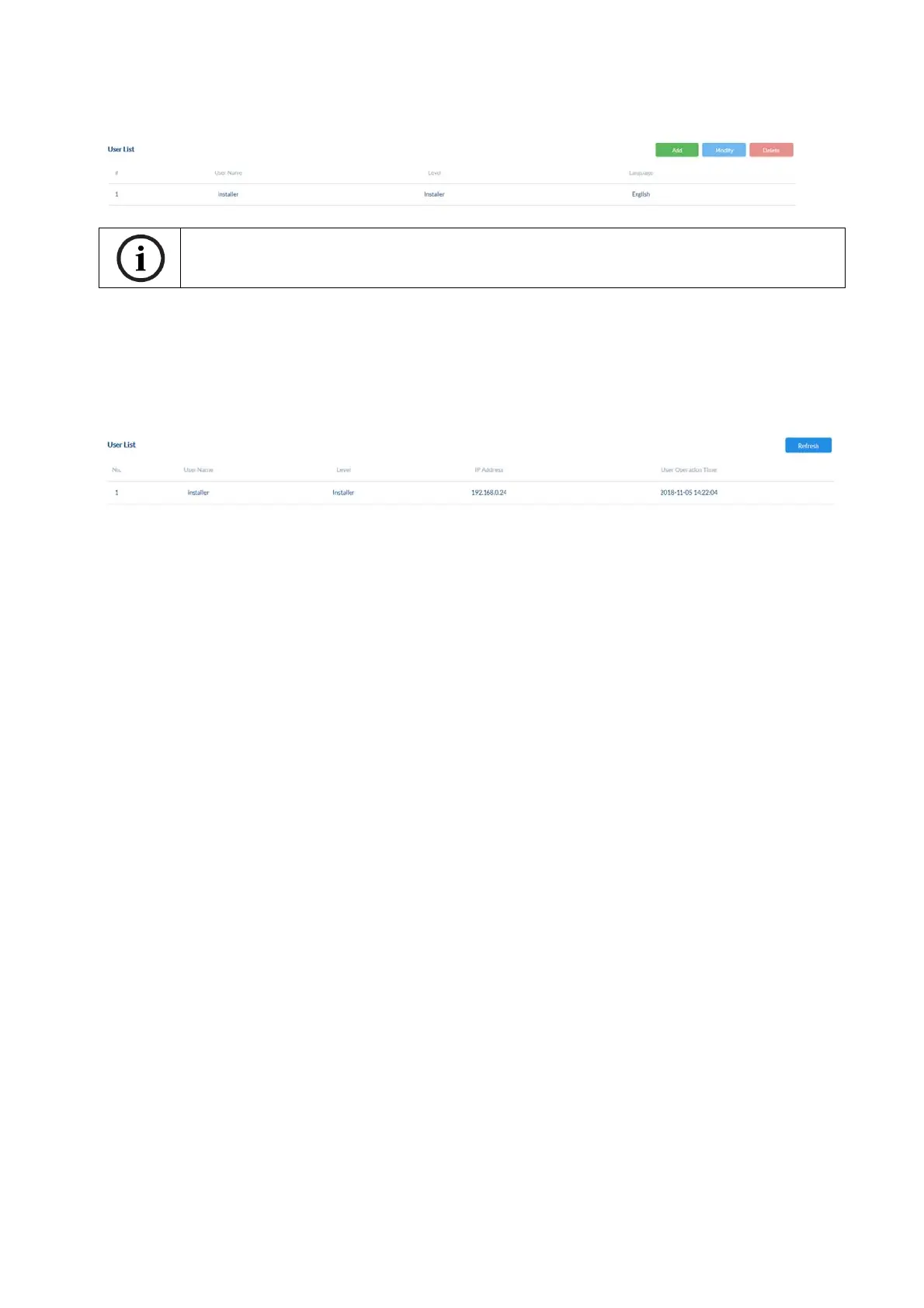
Displays information about the currently logged-on user.
7.13 Email
The SMTP/email function must be configured beforehand, so that the camera is able to send
emails if certain events occur. You can obtain information about the various details from your
email provider.
Sender: Enter the name of the sender here.
Sender's address: Enter the email address of the sender here.
SMTP Server: Enter the SMTP outgoing mail server for your email provider here.
SMTP port: Enter the SMTP server port here (e.g. 587 if you are using TLS).
Email encryption: enable if the email server uses SSL or TLS. The SMTP port may
have to be changed.
Attached Image: Choose an image interval for attached images. / Option must be
enabled for attached images.
Authentication/
User name/
Password: Enable this option if the SMTP email server requires
authentication. Enter the user name and password and confirm the
password for the account for sending email.



 To Next Page