107
7.11 Outputs
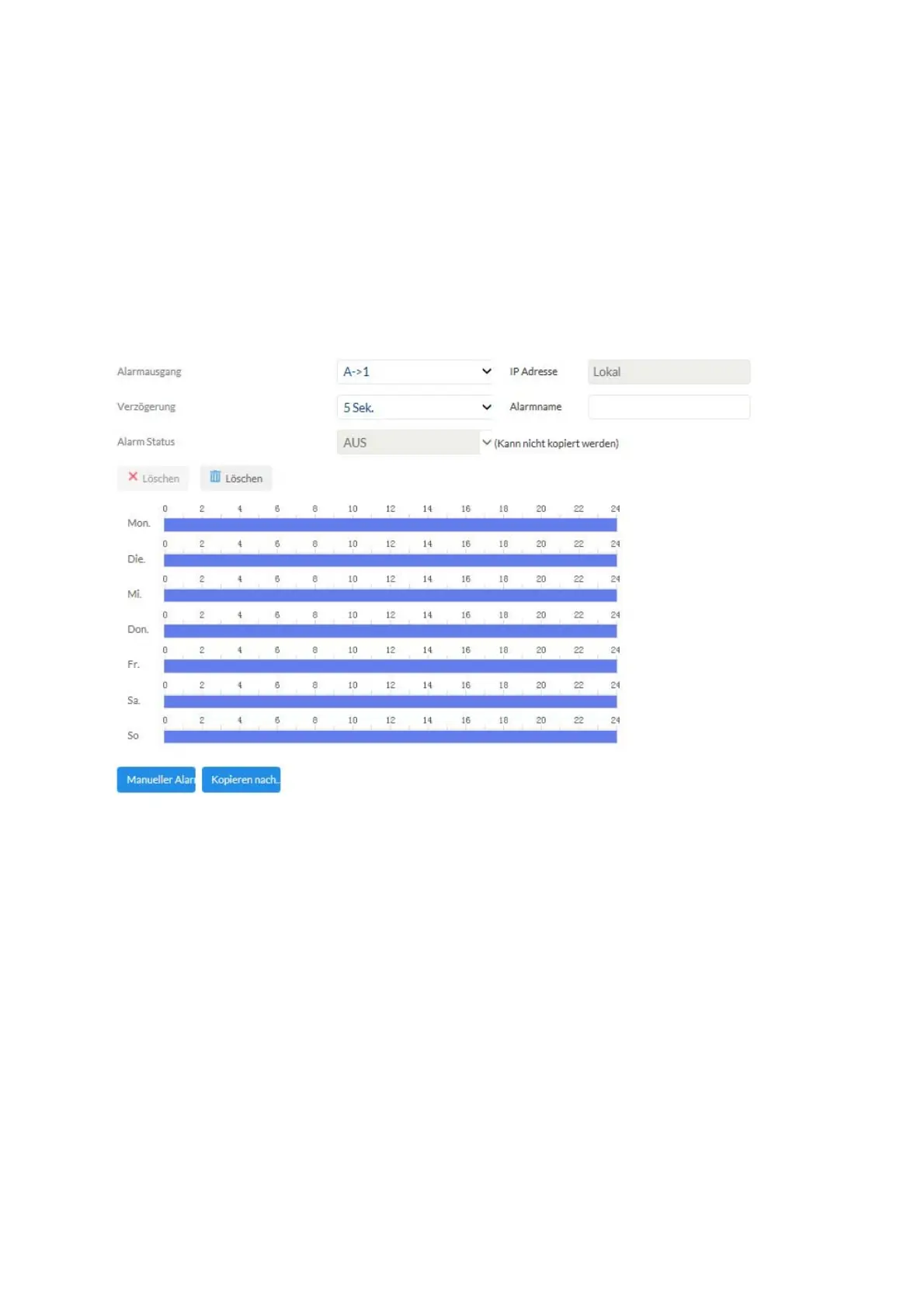
Alarm output: Select the alarm output to be configured here (number depends on
camera model).
Alarm name: enter the name here.
Delay: select the duration of switching output activity in the event of an alarm.
Manual: The output is only activated for as long as the event lasts.
Alarm Status: Displays the current status of the alarm output.
7.12 Users
7.12.1 Managing users
Add/edit/delete: Users with the type “Master” and “User” can be added.
User name: Enter the user names here (max. 32 characters, not allowed: \ : ").
Language: Select the language to be displayed for the user here.
Use a secure password:
A secure password must meet the following minimum requirements:
- 8–16 characters
- Valid characters: numbers, lower-case letters, capital letters, special
characters ( ! $ % & / ( ) = ? + - )
- You must use at least two different types of character



 To Next Page