97
7.5.4 Privacy mask
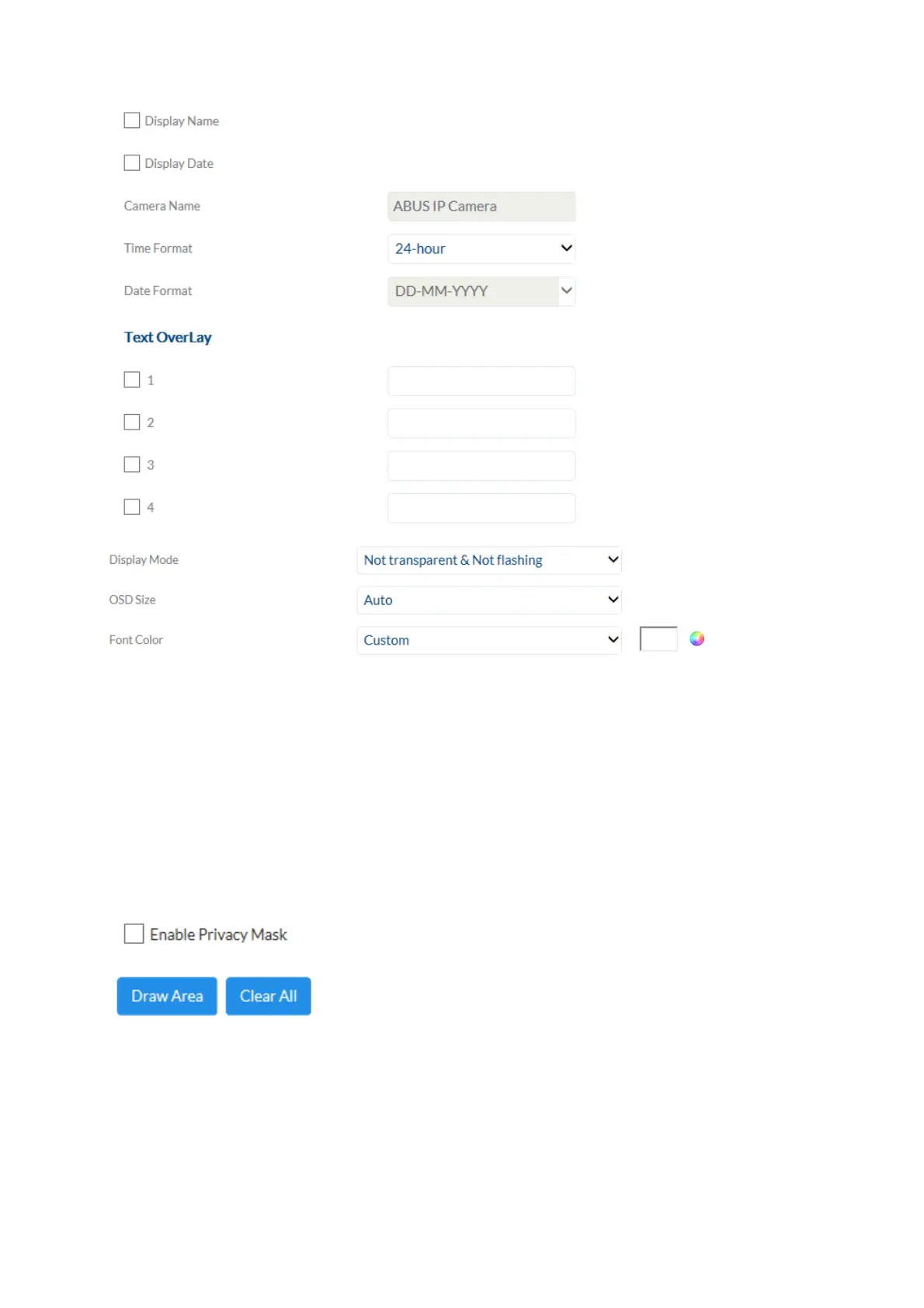
Preview area: The preview of the video and privacy masks that have been set up are
displayed here. Privacy masks are drawn directly in the preview area.
Enable privacy mask: Enable/disable the privacy mask function.
Draw Area: Draw polygonal areas. The drawing mode is closed by pressing this
button again. The area drawn is blacked out and so cannot be seen in
the live image or in the recording.
Delete all: Delete a privacy mask



 To Next Page