4.6. App2Cam Plus: Event List / Playback
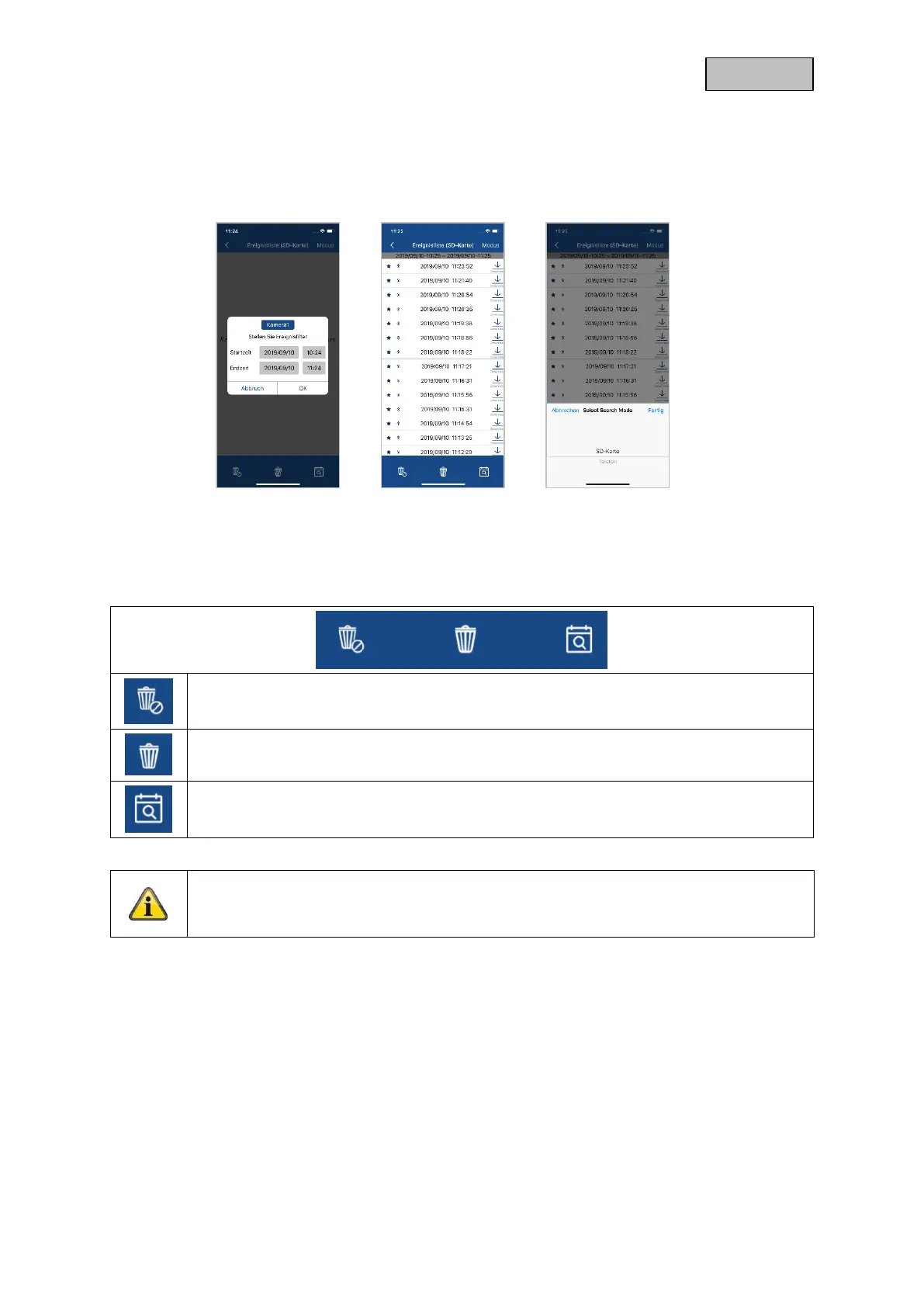
4.6.1. Event list
You can define a start and end time in the event list. For this filter, the app displays all recorded events
for setup time. Click Camera1 to switch between recordings of the 2 cameras.
4.6.2. Event list Functions
Delete all events
With this selection all events in the list are deleted.
Delete individual events
Delete individual events from the list
Set event filter again
To filter events better, you can set the period again here.
*Note
The recordings cannot be accessed during a recording.
4.6.3. Mode (iOS only)
By clicking on the "Mode" button, you can choose whether you want to view the files on the SD card in
the specified period or the files already downloaded on your device in the specified period.



 To Next Page