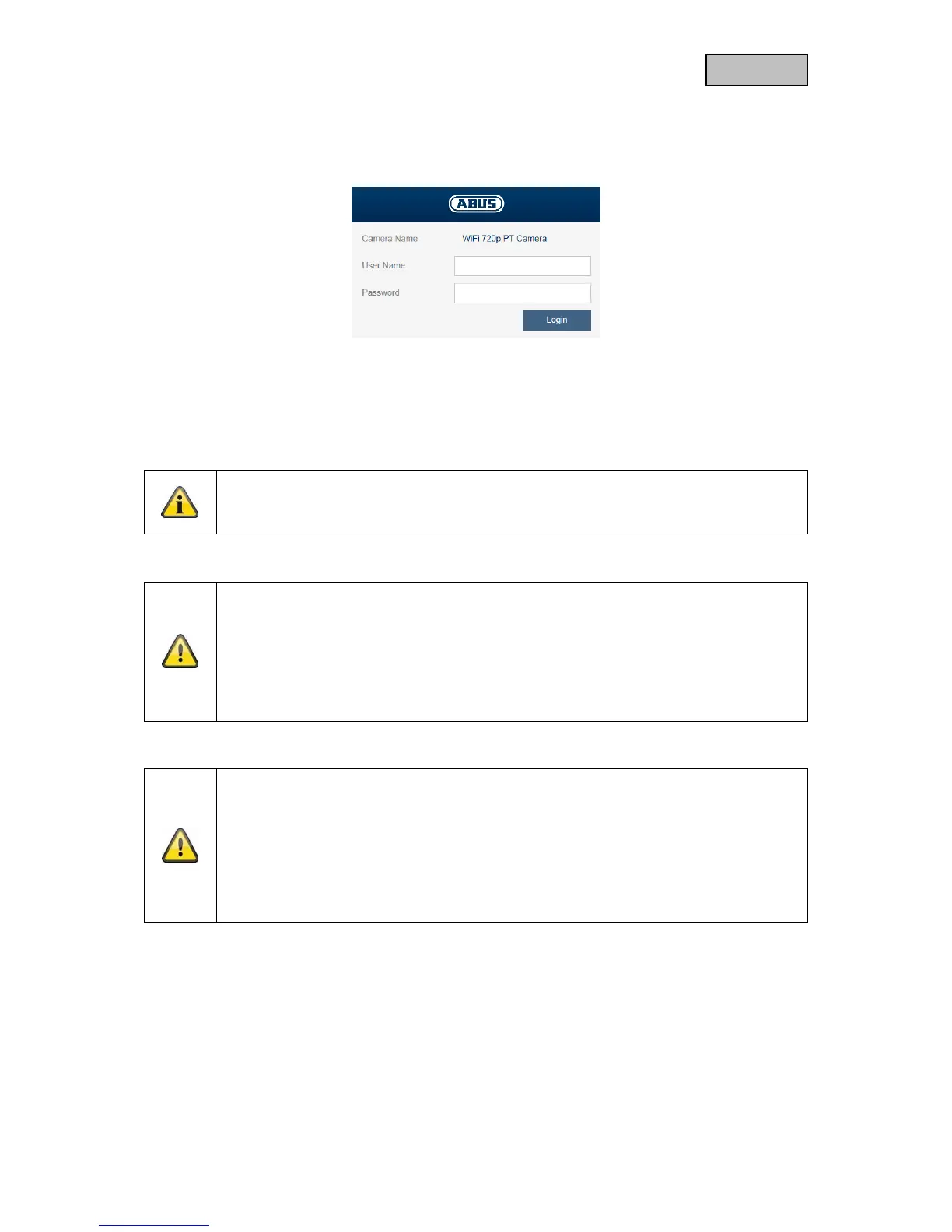
6.3. Login
When you open the web interface again, you will now be prompted to enter your user name and your
password for the login.
6.4. Video plug-in
An ActiveX plug-in is used for displaying video. This plug-in must be installed in the browser. You will
be asked to confirm the installation directly after entering your username and password.
Internet Explorer
Note
If the ActiveX plug-in installation is blocked by Internet Explorer, you will need to reduce
your security settings to install/initialise ActiveX.
Important:
For Mozilla Firefox (older versions up to Version 51):
The video plug-in is only supported by the Windows version of Mozilla Firefox.
The most recent version of Mozilla Firefox no longer supports video plug-ins. This
means that it is not possible to display video.
Important:
For Google Chrome (older versions up to Version 42):
The video plug-in is only supported by the Windows version of the Google
Chrome browser.
The most recent version of Google Chrome no longer supports video plug-ins.
This means that it is not possible to display video.



 To Next Page