TVIP11560, TVIP21560, TVIP41560, TVIP61560
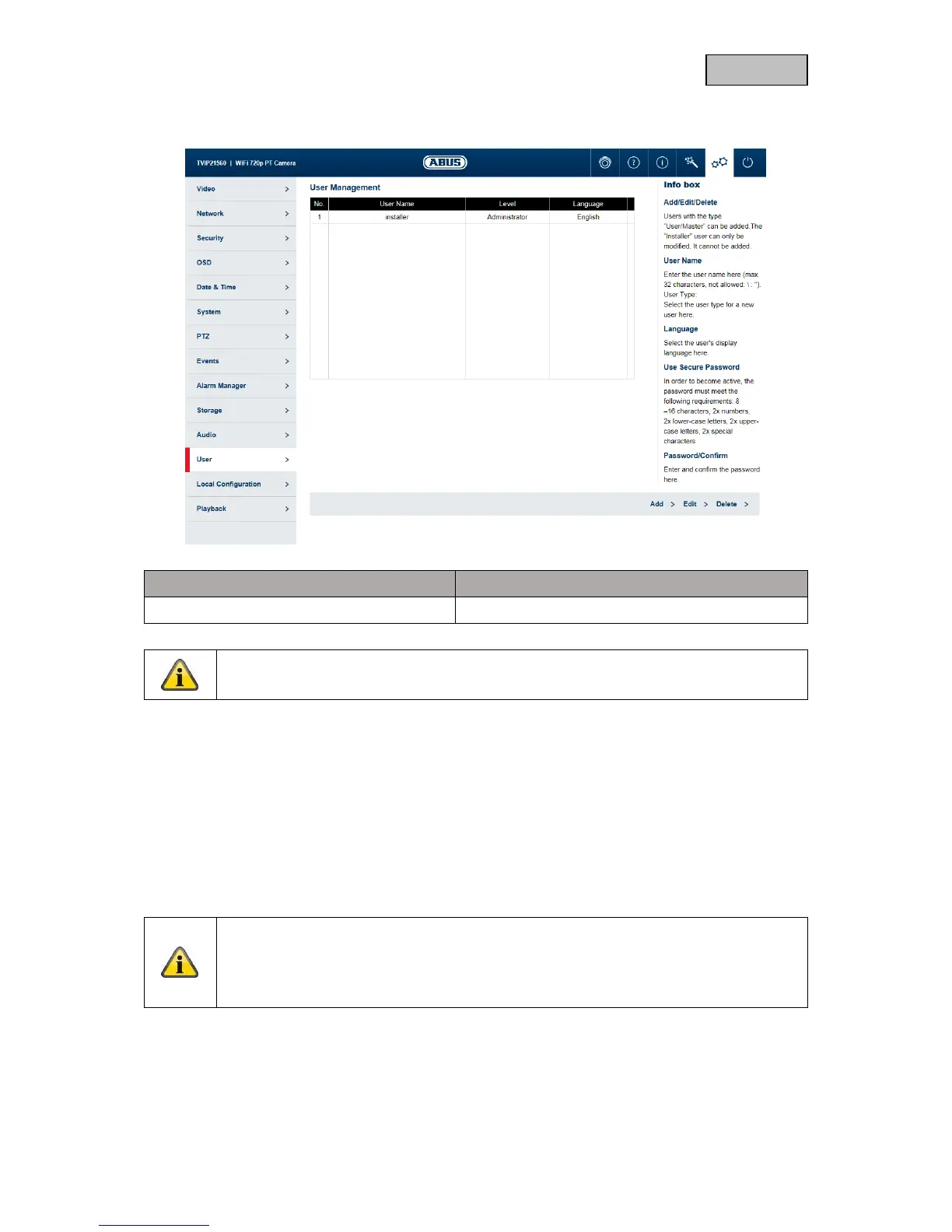
Add: Add a new user.
Edit: Change a selected user.
Delete: Delete a selected user.
User name: Enter the user names here (max. 32 characters, not allowed: \ : ").
Level: Set the Master or User type here.
Language: Select the language to be displayed for the user here.
Password: Enter a password that meets the specified requirements.
Confirm: Confirm the password.
Note on user rights
Installer: full access
Master: access to live view, live view operations, playback and local configuration.
User: access to live view and local configuration, limited access to live view operations



 To Next Page