Note
Depending on the camera model, only selected functions will be available.
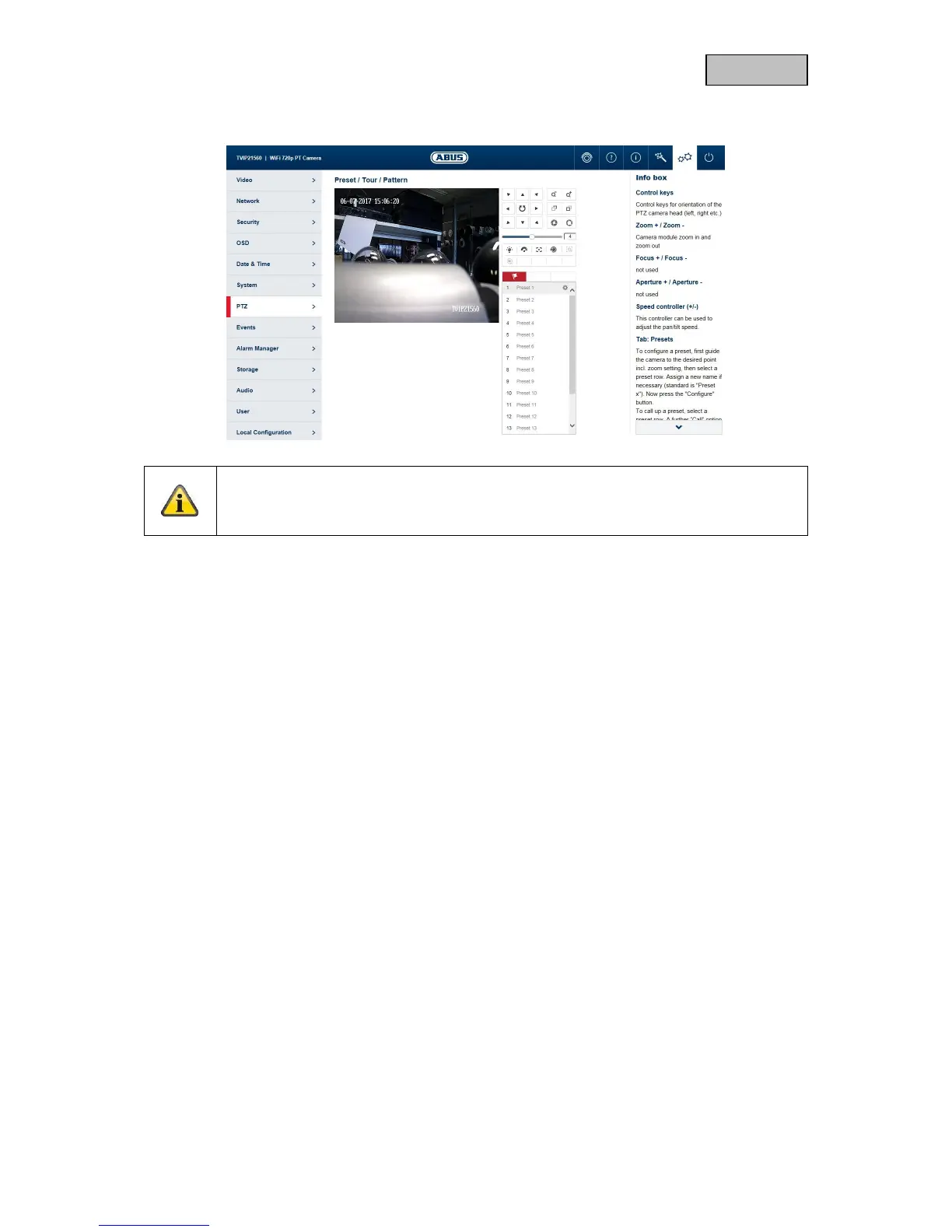
On the TVIP21560, the control keys are limited to left, up, right and down.
Control keys: Control keys for orientation of the PTZ camera head (left, right etc.)
Zoom + / Zoom -: not used
Focus + / Focus -: not used
Aperture + / Aperture -: not used
Speed controller: This controller can be used to adjust the pan/tilt speed.
TAB: Presets: To configure a preset, first guide the camera to the desired point, then
select a preset row. Now press the "Configure" button. To call up a
preset, select a preset row. A further “Call” option will then appear.
There will also be another option to delete the preset.



 To Next Page