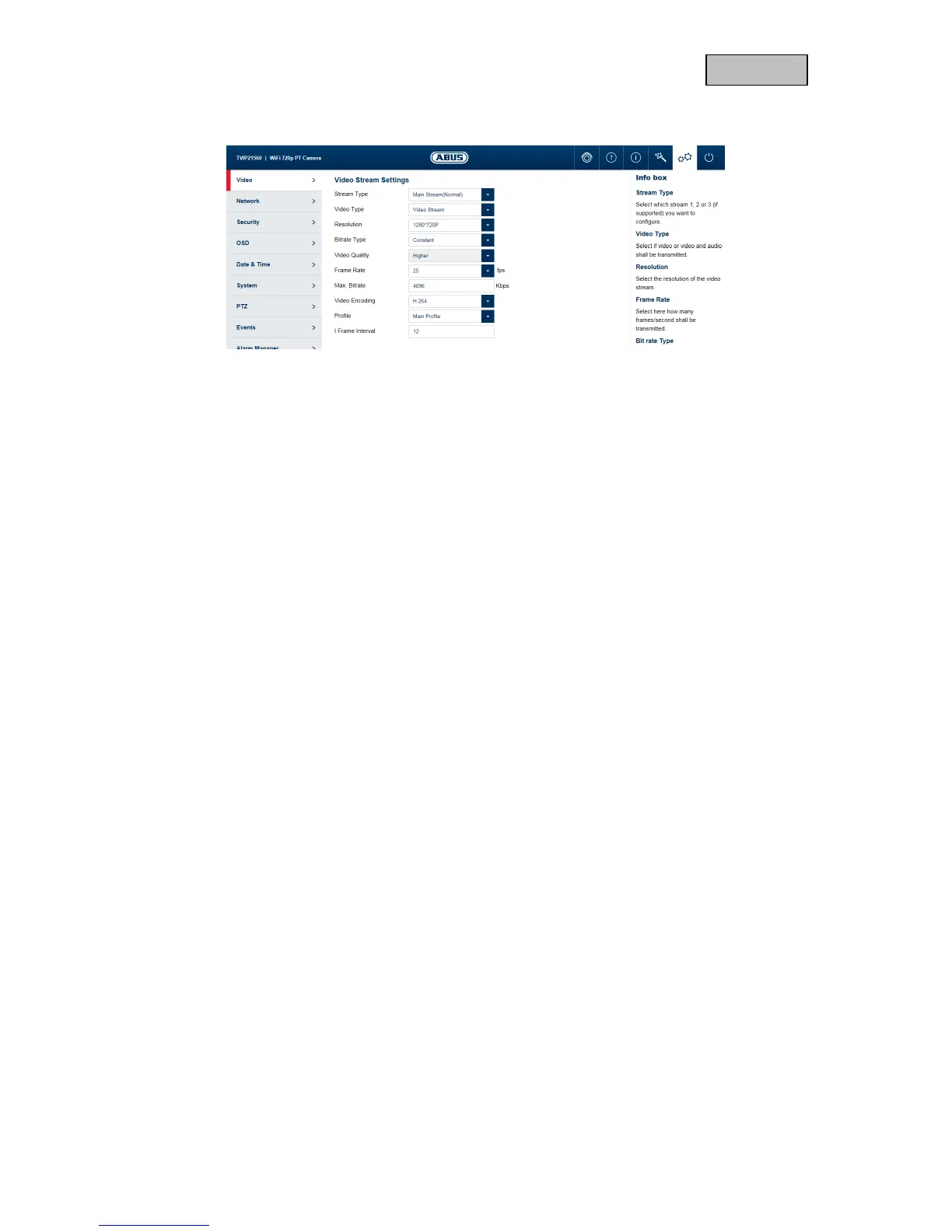
11.1.3. Video stream settings
Stream: Select the first, second or – if it is available for your camera model – the
third video stream for configuration.
Type: Select whether video or video & audio should be transmitted.
Resolution: Choose the resolution for the video stream.
Bit rate: Select the streaming method:
Constant bitrate: keeps the bitrate constant at the set value, regardless
of the quality.
Variable bitrate: keeps the video quality constant at the set value,
regardless of the max. bitrate.
Video quality: select the desired quality (for variable bitrate only). The value set here
describes the compression level.
Frame rate: Select the number of images/second for transmission.
Max. bitrate: Select the bandwidth that should constantly be used for data
transmission (for constant bitrate only).
Video codec: Select the codec that should be used for compressing the data.
Profile: Here you can select the profile type for the video codec. A profile is
standardised and determines the parameters that should be used for
encoding.
I frame interval: Select how often an I frame should be sent (H.264 only). The more often
an I frame (full image) is sent, the better the video quality is, but the
more bandwidth is required.



 To Next Page