TVIP11561, TVIP21560, TVIP41560, TVIP61560
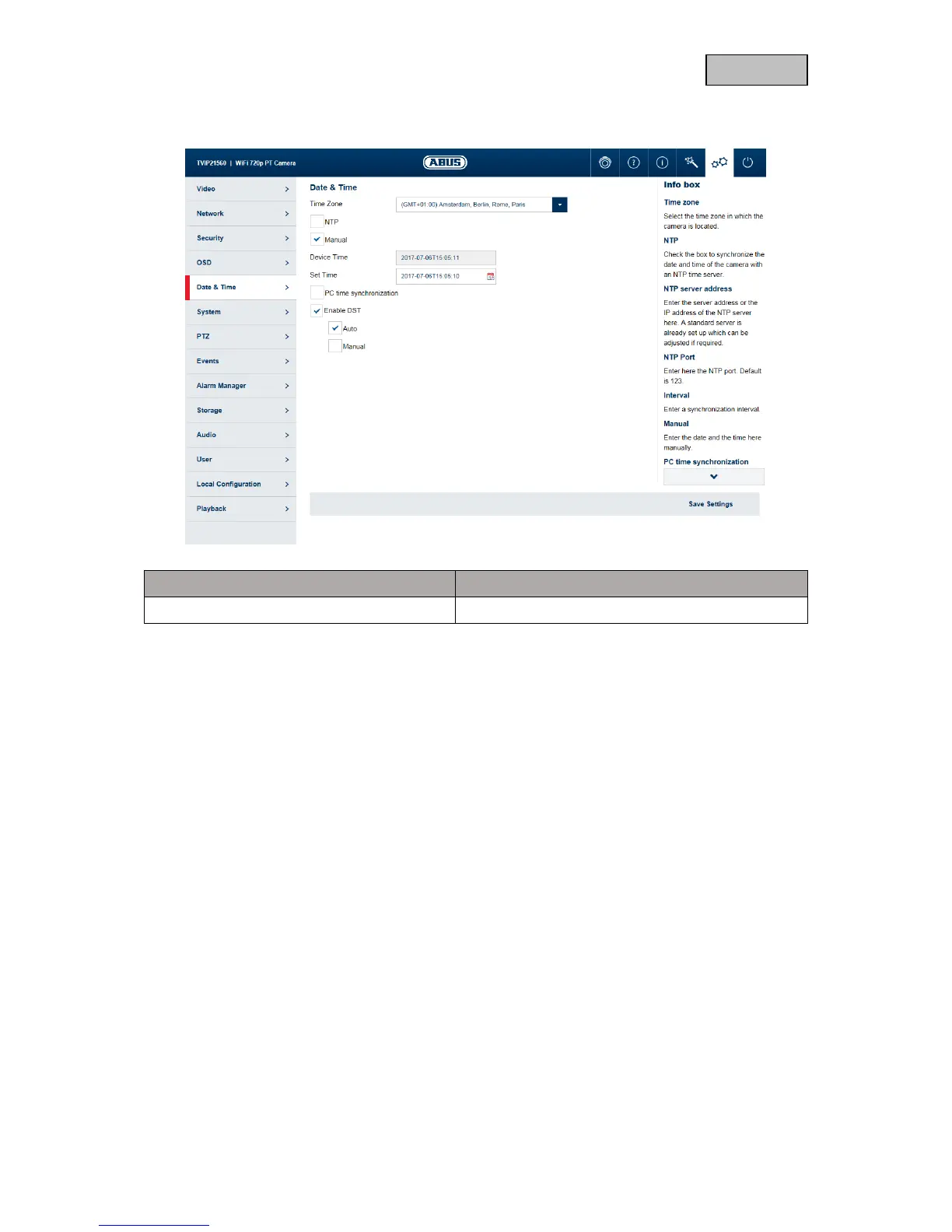
Time zone: here, select the time zone in which the camera is located.
NTP: enable NTP to synchronise the date and time of the camera with an
NTP time server.
Server Address: enter the server address or the IP address for the NTP server here. A
standard server is already set up and can be adjusted if required.
NTP port: enter the NTP port here. The standard port for NTP is 123.
Interval: select an update interval.
Manual: manual setting of date and time. Click in the date/time field to open a
configuration menu.
PC time synchronisation: use the current PC time currently being used for access (after saving
the settings).
Enable DST: enable DST if there is generally a summer time/winter time changeover
at the camera location.



 To Next Page