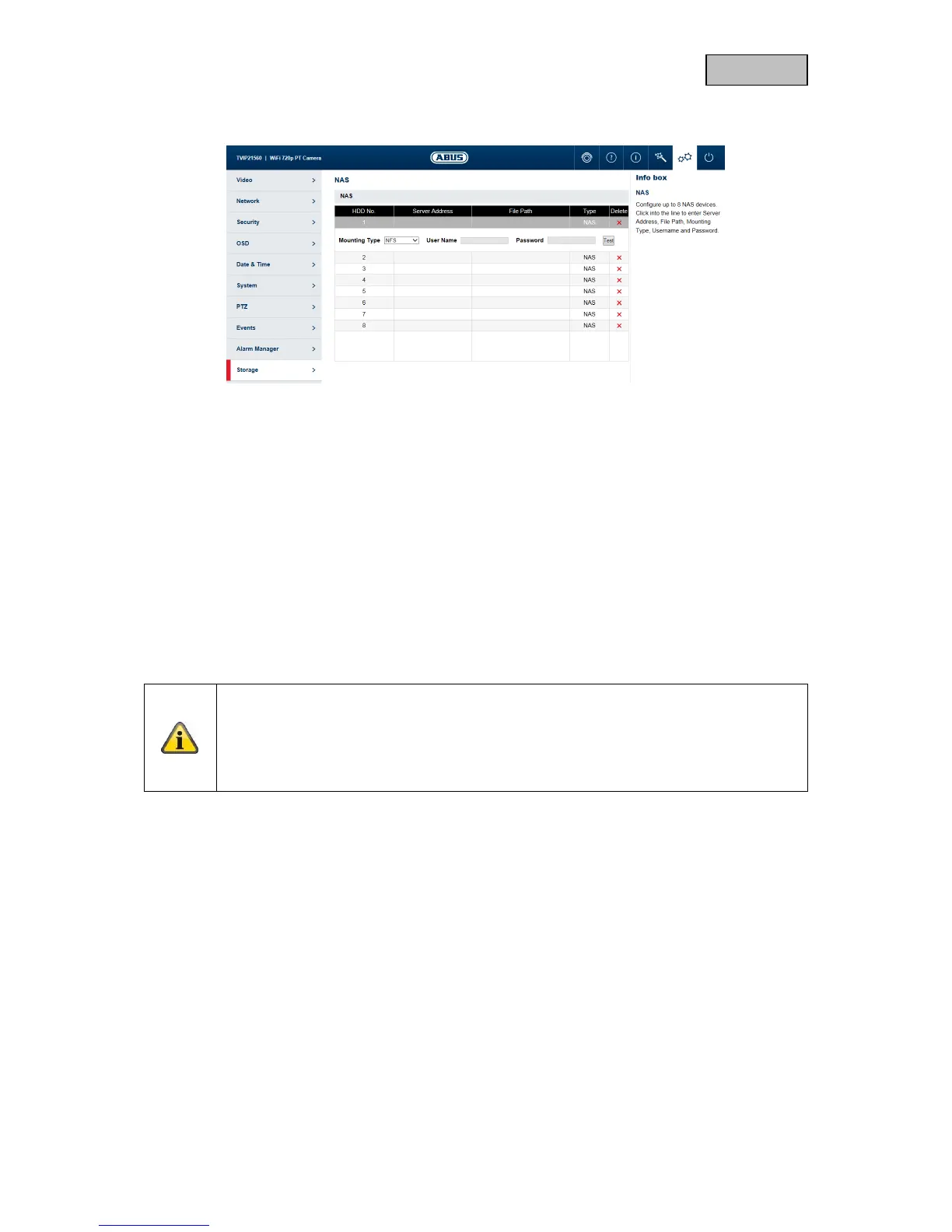
11.10.3. NAS
NAS: configure up to 8 NAS devices. Click in a row to specify server address,
file path, server type, user name and password.
HDD No.: Number of the connected NAS (max. 8).
Server address: IP address of your NAS.
File Path: The file path of the sharing folder of your NAS.
Mounting Type: SMB/CIFS: With SMB/CIFS, the camera logs on to your NAS with a
user name and password. The corresponding release of the sharing
folder must be assigned to this user in the NAS.
NFS: With NFS, the camera logs on to your NAS with the IP address.
The corresponding release of the sharing folder must be assigned to
this IP address in the NAS.
User: If you are using SMB/CIFS, enter the user name here.
Password: If you are using SMB/CIFS, enter the user name here.
Note
To connect your network drive, always check the manual for your NAS.
For specific NAS systems we have created a separate manual, which we will be happy to
supply to you via our Support department.



 To Next Page