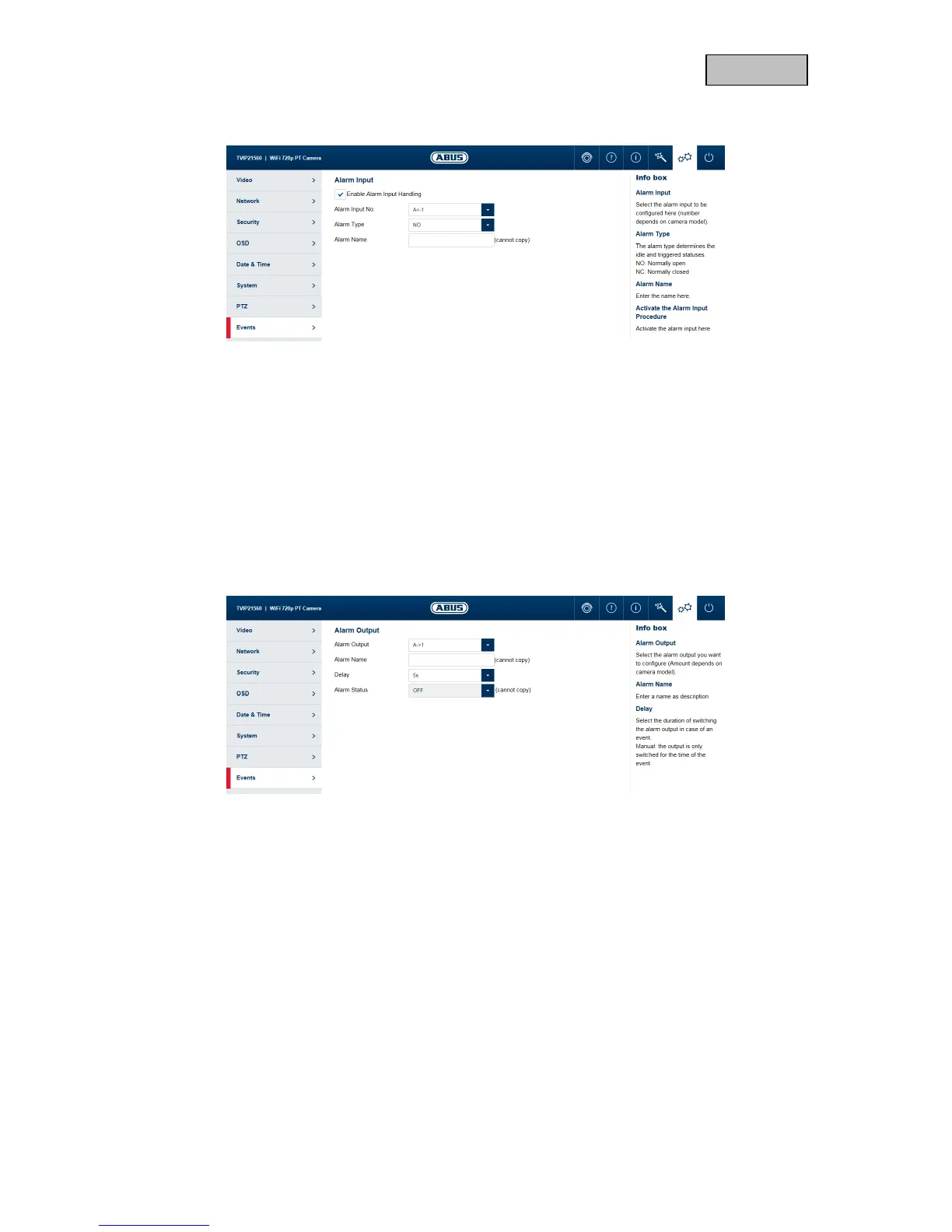
11.8.2. Alarm input
Alarm input processing
enable: Enable or disable the alarm input.
Alarm Input No.: Select the alarm input to be configured here (number depends on
camera model).
Alarm Type: the alarm type determines the idle and triggered statuses.
NO: normally open (normal status open)
NC: normally closed (normal status closed)
Alarm name: enter the name here.
11.8.3. Alarm output
Alarm output: Select the alarm output to be configured here (number depends on
camera model).
Alarm name: enter the name here.
Delay: select the duration of switching output activity in the event of an alarm.
Manual: The output is only activated for as long as the event lasts.
Alarm Status: Displays the current status of the alarm output.



 To Next Page