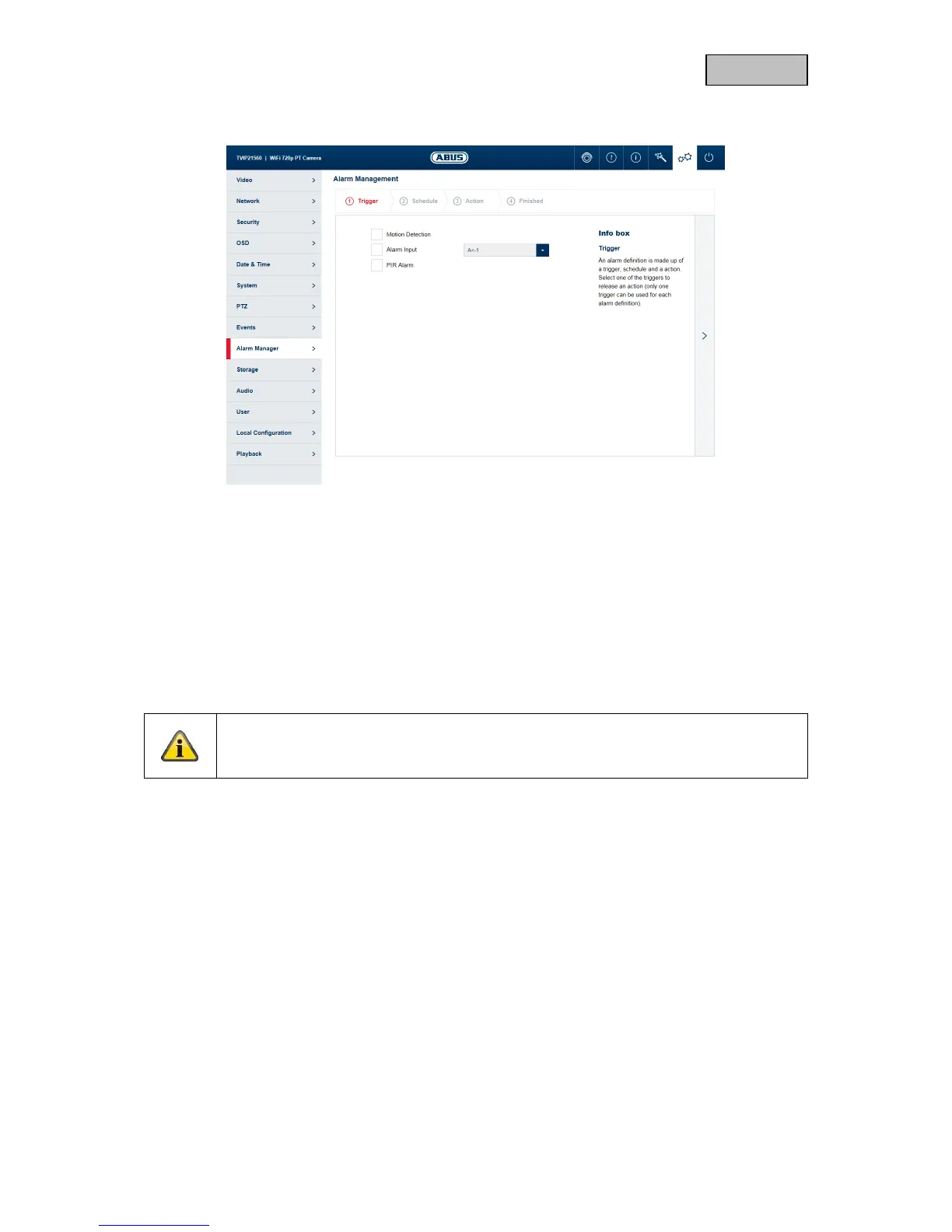
11.9.1. Add / edit alarm rule
an alarm rule consists of a trigger, a schedule for applying the rule and an action.
Trigger: Select a trigger for the alarm rule from the list. Only one trigger can be
configured for each rule.
Schedule: an alarm rule can be enabled in 30 minute intervals. This is highlighted
directly in the matrix on the left (red = enabled).
Delete all: deletes the entire schedule.
Mark all: selects the entire schedule.
Action: one or more actions can be defined for the rule on this page.
Note
With the FTP/SD/NAS upload action, single frames are stored. For this purpose, the event-
triggered snapshot must be configured in the Storage -> Snapshot menu.
Finished: On this page, you can see an overview of all the data.
Save settings: Save the configured alarm rule.



 To Next Page