76
CLOUDRAY
PROGRAMMING
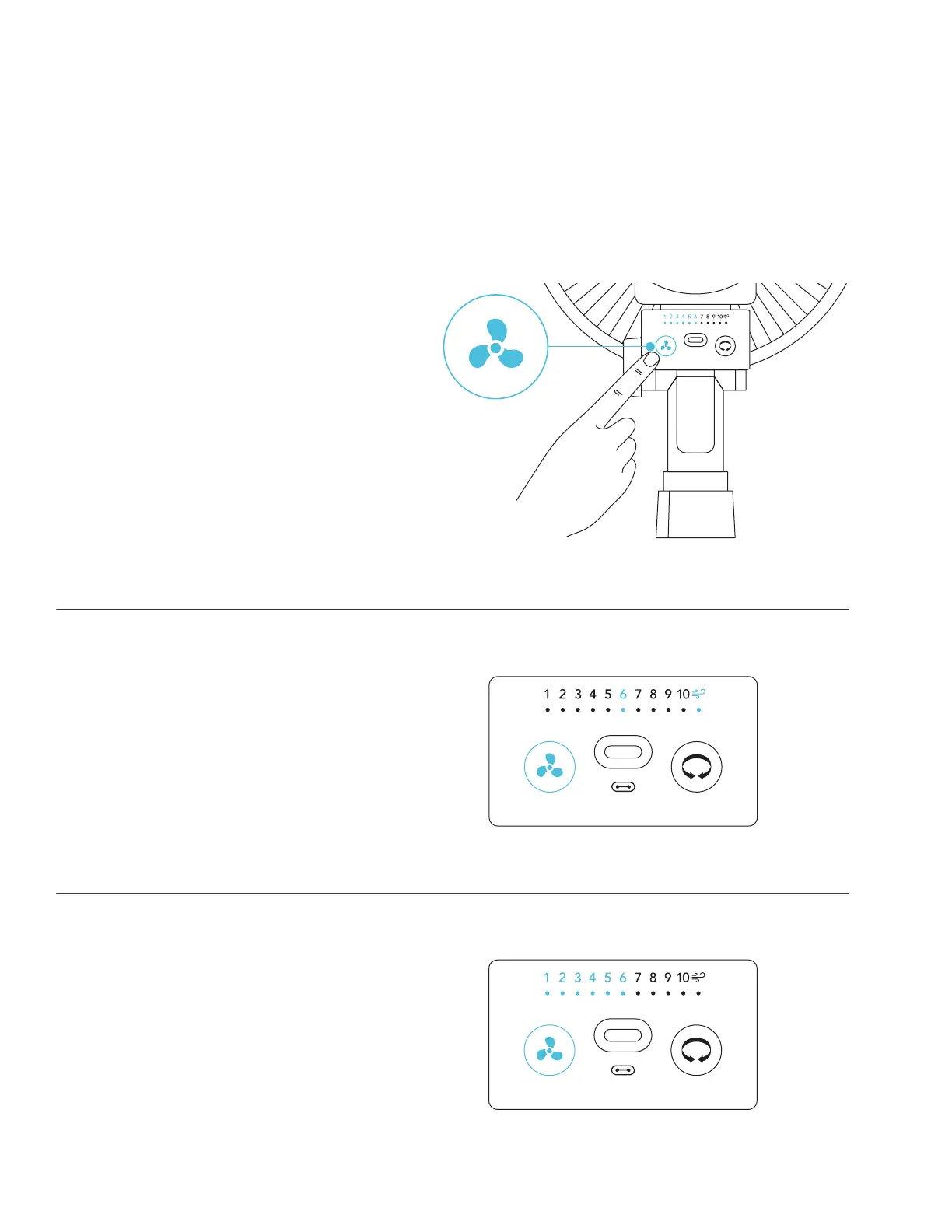
DYNAMIC WIND MODE
This mode will alternate speeds between levels 1-10 to simulate a natural breeze.
STEP 3
Deactivate max Dynamic Wind Mode by
pressing the speed button.
Your clip fan will continue running at your
maximum level until you adjust it.
STEP 2
Hold the speed button for 3 or more
seconds to enter Dynamic Wind Mode.
This will also lock in your current fan
speed as the maximum level.
STEP 1
Set the fan speed to your desired
maximum level using the speed button.
We do not recommend setting your max
speed level to level 1; this will eliminate
the speed range.



 To Next Page