Installation and Operation Manual Chapter 6 Diagnostics and Troubleshooting
ASMi-54 Ver. 1.0 Displaying Interface Statistics 6-15
Parameter Description
LOSWS The number of Loss of Sync Word (LOSW) Seconds during
the interval.
CRC Anomalies The number of CRC anomalies during the interval.
Displaying SHDSL PME Current Interval StatisticsTo view SHDSL PME Current
Interval statistics:
1. Select Main Menu>Monitoring>Physical Ports>SHDSL>Statistics>PME
Statistics.
The SHDSL PME Statistics screen appears (see
Figure 6-16
).
2. Select Current Day Interval.
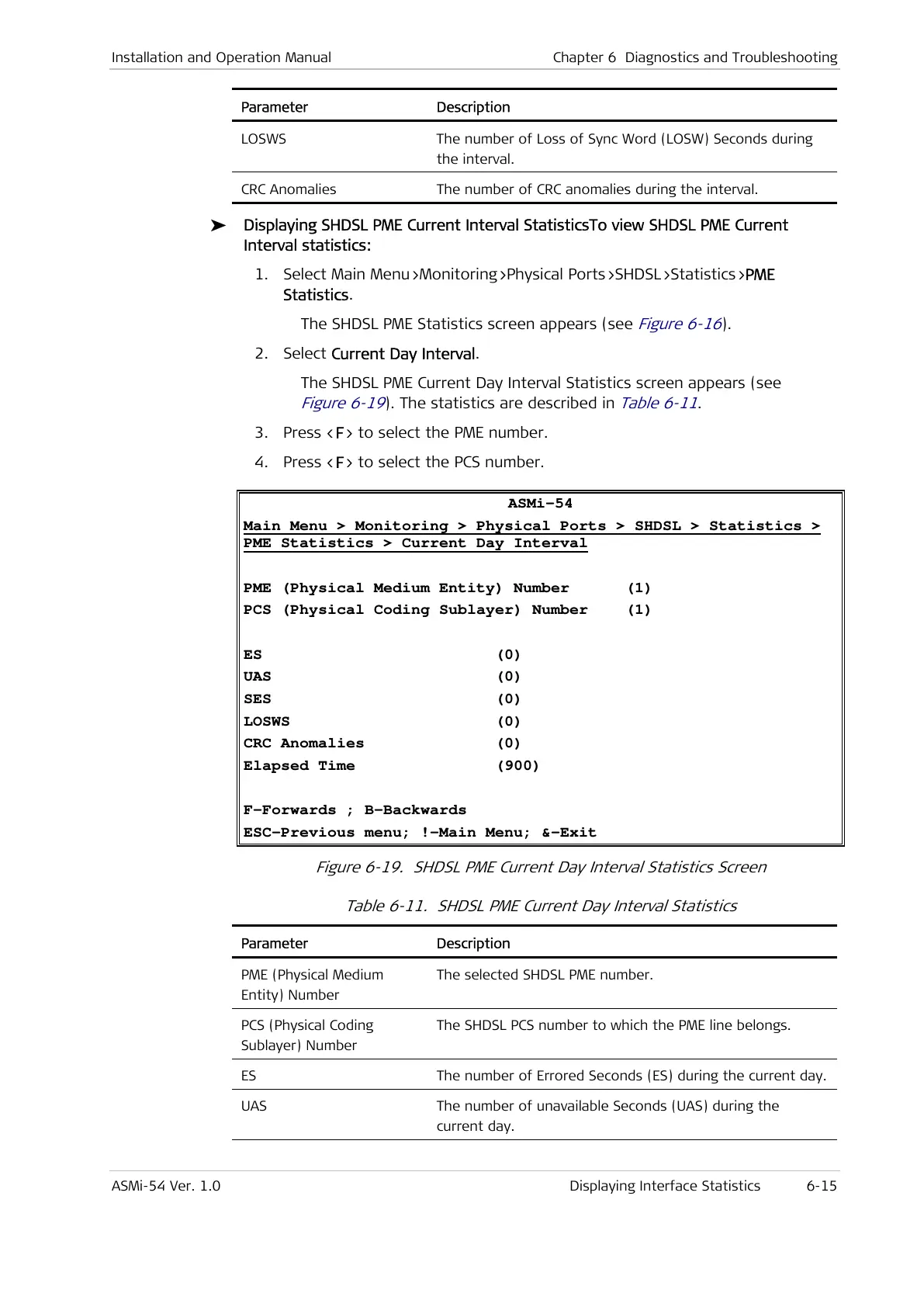
The SHDSL PME Current Day Interval Statistics screen appears (see
Figure 6-19
). The statistics are described in
Table 6-11
.
3. Press <F> to select the PME number.
4. Press <F> to select the PCS number.
ASMi-54
Main Menu > Monitoring > Physical Ports > SHDSL > Statistics >
PME Statistics > Current Day Interval
PME (Physical Medium Entity) Number (1)
PCS (Physical Coding Sublayer) Number (1)
ES (0)
UAS (0)
SES (0)
LOSWS (0)
CRC Anomalies (0)
Elapsed Time (900)
F-Forwards ; B-Backwards
ESC-Previous menu; !-Main Menu; &-Exit
Figure 6-19. SHDSL PME Current Day Interval Statistics Screen
Table 6-11. SHDSL PME Current Day Interval Statistics
Parameter Description
PME (Physical Medium
Entity) Number
The selected SHDSL PME number.
PCS (Physical Coding
Sublayer) Number
The SHDSL PCS number to which the PME line belongs.
ES The number of Errored Seconds (ES) during the current day.
UAS The number of unavailable Seconds (UAS) during the
current day.



 To Next Page