Installation and Operation Manual Chapter 4 Configuration
ASMi-54 Ver. 1.0 Configuring for Management 4-3
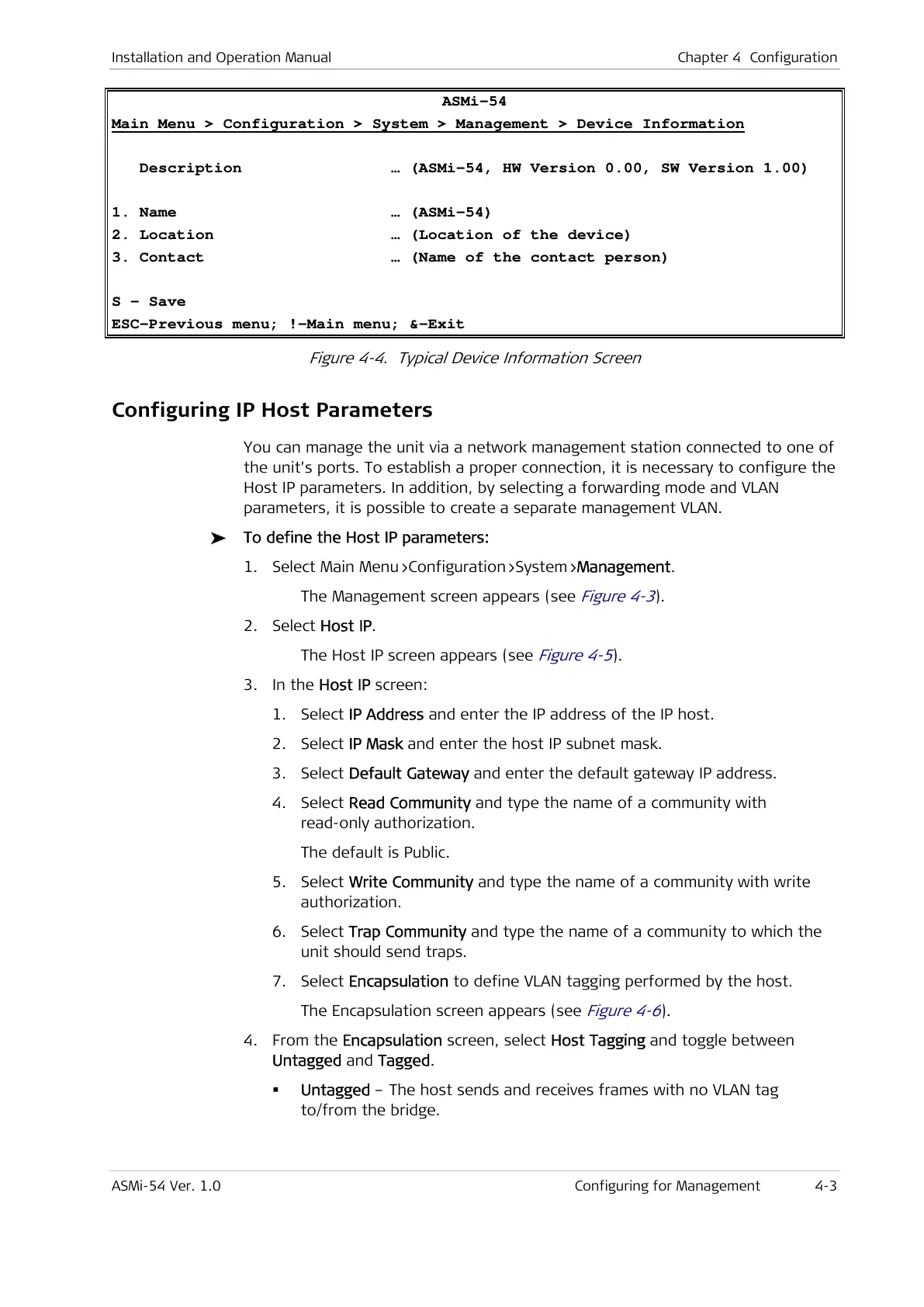
ASMi-54
Main Menu > Configuration > System > Management > Device Information
Description … (ASMi-54, HW Version 0.00, SW Version 1.00)
1. Name … (ASMi-54)
2. Location … (Location of the device)
3. Contact … (Name of the contact person)
S - Save
ESC-Previous menu; !-Main menu; &-Exit
Figure 4-4. Typical Device Information Screen
Configuring IP Host Parameters
You can manage the unit via a network management station connected to one of
the unit’s ports. To establish a proper connection, it is necessary to configure the
Host IP parameters. In addition, by selecting a forwarding mode and VLAN
parameters, it is possible to create a separate management VLAN.
To define the Host IP parameters:
1. Select Main Menu>Configuration>System>Management.
The Management screen appears (see
Figure 4-3
).
2. Select Host IP.
The Host IP screen appears (see
Figure 4-5
).
3. In the Host IP screen:
1. Select IP Address and enter the IP address of the IP host.
2. Select IP Mask and enter the host IP subnet mask.
3. Select Default Gateway and enter the default gateway IP address.
4. Select Read Community and type the name of a community with
read-only authorization.
The default is Public.
5. Select Write Community and type the name of a community with write
authorization.
6. Select Trap Community and type the name of a community to which the
unit should send traps.
7. Select Encapsulation to define VLAN tagging performed by the host.
The Encapsulation screen appears (see
Figure 4-6
).
4. From the Encapsulation screen, select Host Tagging and toggle between
Untagged and Tagged.
Untagged – The host sends and receives frames with no VLAN tag
to/from the bridge.



 To Next Page