Installation and Operation Manual Chapter 6 Diagnostics and Troubleshooting
ASMi-54 Ver. 1.0 Monitoring Performance 6-7
Displaying Application-Level Status
At the application level, the unit provides information of the MAC addresses
(static and learned) and their bridge port assignments; as well as VLAN IDs and
their bridge port assignments.
To display the MAC table:
1. Select Main Menu>Monitoring>Application.
The Monitoring Application screen appears (see
Figure 6-10
).
2. Select Bridge.
The Monitoring Application - Bridge screen appears (see
Figure 6-11
).
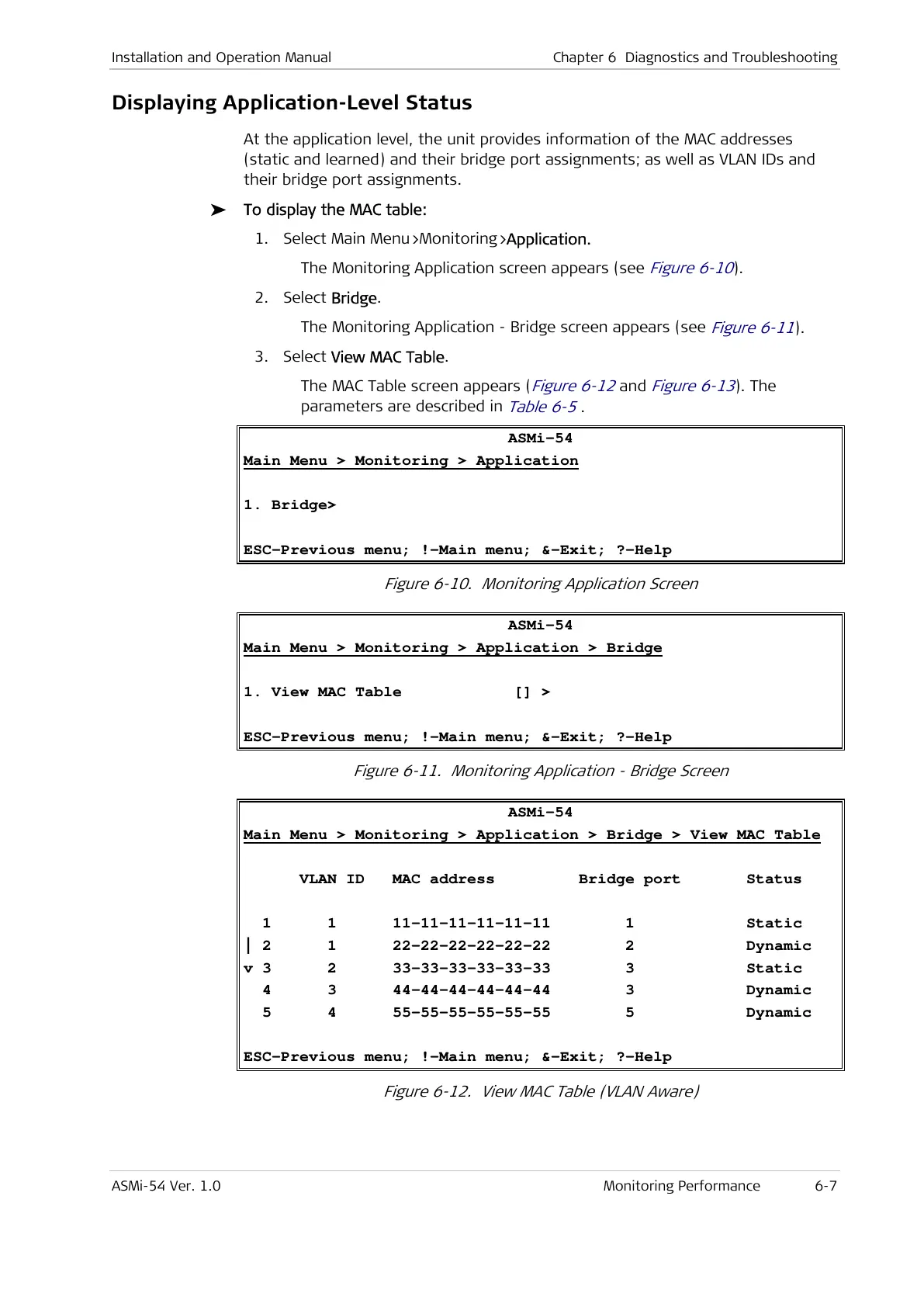
3. Select View MAC Table.
The MAC Table screen appears (
Figure 6-12
and
Figure 6-13
). The
parameters are described in
Table 6-5
.
ASMi-54
Main Menu > Monitoring > Application
1. Bridge>
ESC-Previous menu; !-Main menu; &-Exit; ?-Help
Figure 6-10. Monitoring Application Screen
ASMi-54
Main Menu > Monitoring > Application > Bridge
1. View MAC Table [] >
ESC-Previous menu; !-Main menu; &-Exit; ?-Help
Figure 6-11. Monitoring Application - Bridge Screen
ASMi-54
Main Menu > Monitoring > Application > Bridge > View MAC Table
VLAN ID MAC address Bridge port Status
1 1 11-11-11-11-11-11 1 Static
| 2 1 22-22-22-22-22-22 2 Dynamic
v 3 2 33-33-33-33-33-33 3 Static
4 3 44-44-44-44-44-44 3 Dynamic
5 4 55-55-55-55-55-55 5 Dynamic
ESC-Previous menu; !-Main menu; &-Exit; ?-Help
Figure 6-12. View MAC Table (VLAN Aware)



 To Next Page