Installation and Operation Manual Chapter 4 Configuration
ASMi-54 Ver. 1.0 Configuring for Operation 4-9
To configure the NTP client parameters:
1. Select Main Menu>Configuration>System.
The Configuration System screen appears (see
Figure 4-2
).
2. Select Date and Time.
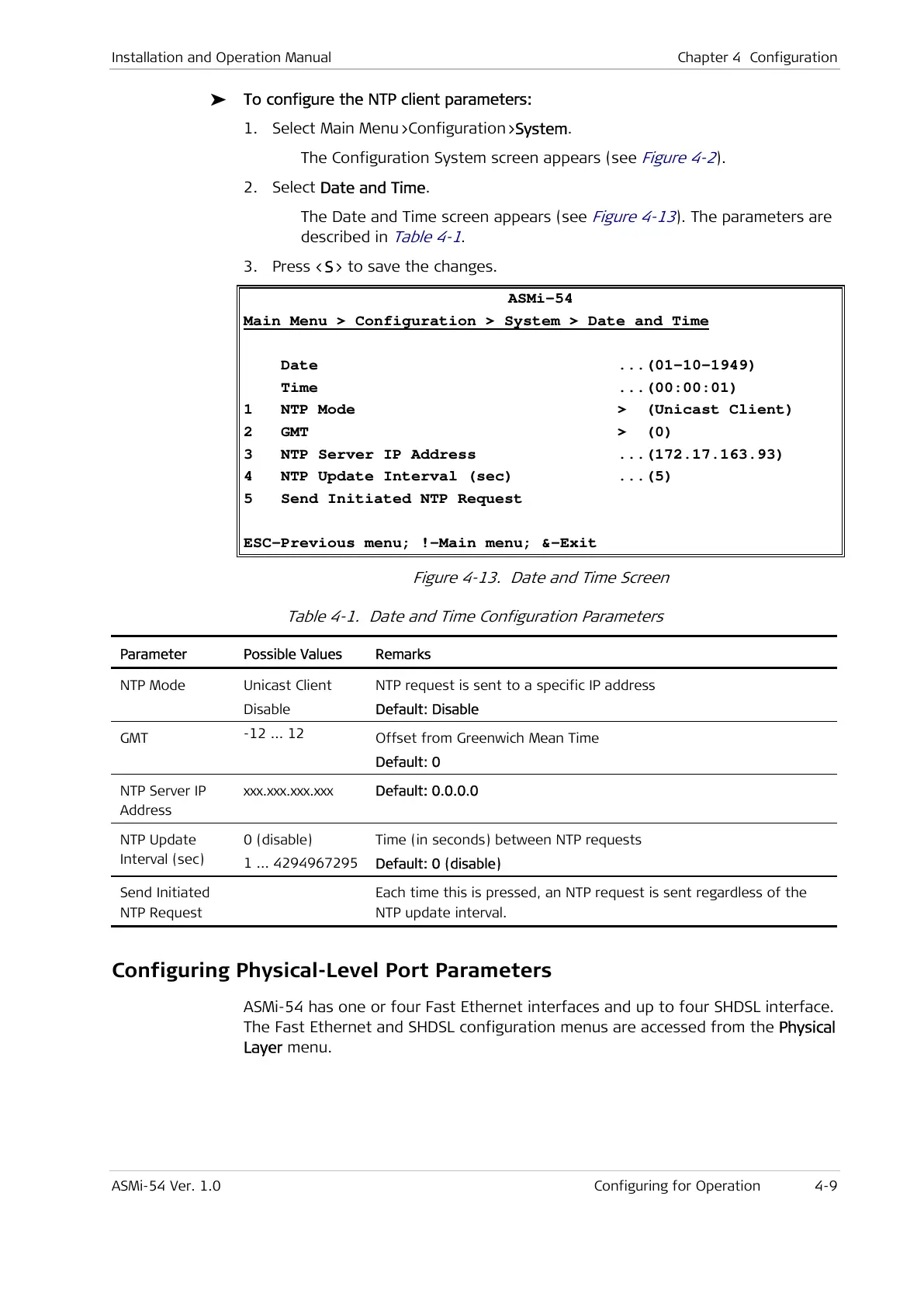
The Date and Time screen appears (see
Figure 4-13
). The parameters are
described in
Table 4-1
.
3. Press <S> to save the changes.
ASMi-54
Main Menu > Configuration > System > Date and Time
Date ...(01-10-1949)
Time ...(00:00:01)
1 NTP Mode > (Unicast Client)
2 GMT > (0)
3 NTP Server IP Address ...(172.17.163.93)
4 NTP Update Interval (sec) ...(5)
5 Send Initiated NTP Request
ESC-Previous menu; !-Main menu; &-Exit
Figure 4-13. Date and Time Screen
Table 4-1. Date and Time Configuration Parameters
Parameter Possible Values Remarks
NTP Mode Unicast Client
Disable
NTP request is sent to a specific IP address
Default: Disable
GMT
-12 ... 12
Time (in seconds) between NTP requests
Default: 0 (disable)
Send Initiated
NTP Request
Each time this is pressed, an NTP request is sent regardless of the
NTP update interval.
Configuring Physical-Level Port Parameters
ASMi-54 has one or four Fast Ethernet interfaces and up to four SHDSL interface.
The Fast Ethernet and SHDSL configuration menus are accessed from the Physical
Layer menu.



 To Next Page